Build theme in Webflow
Create a fully working Shopify 2.0 Theme with Webflow's design Freedom

We built Liquiflow to connect Webflow and Shopify the right way.
Fair Pricing, Fast Support, World-Class Designer with Webflow
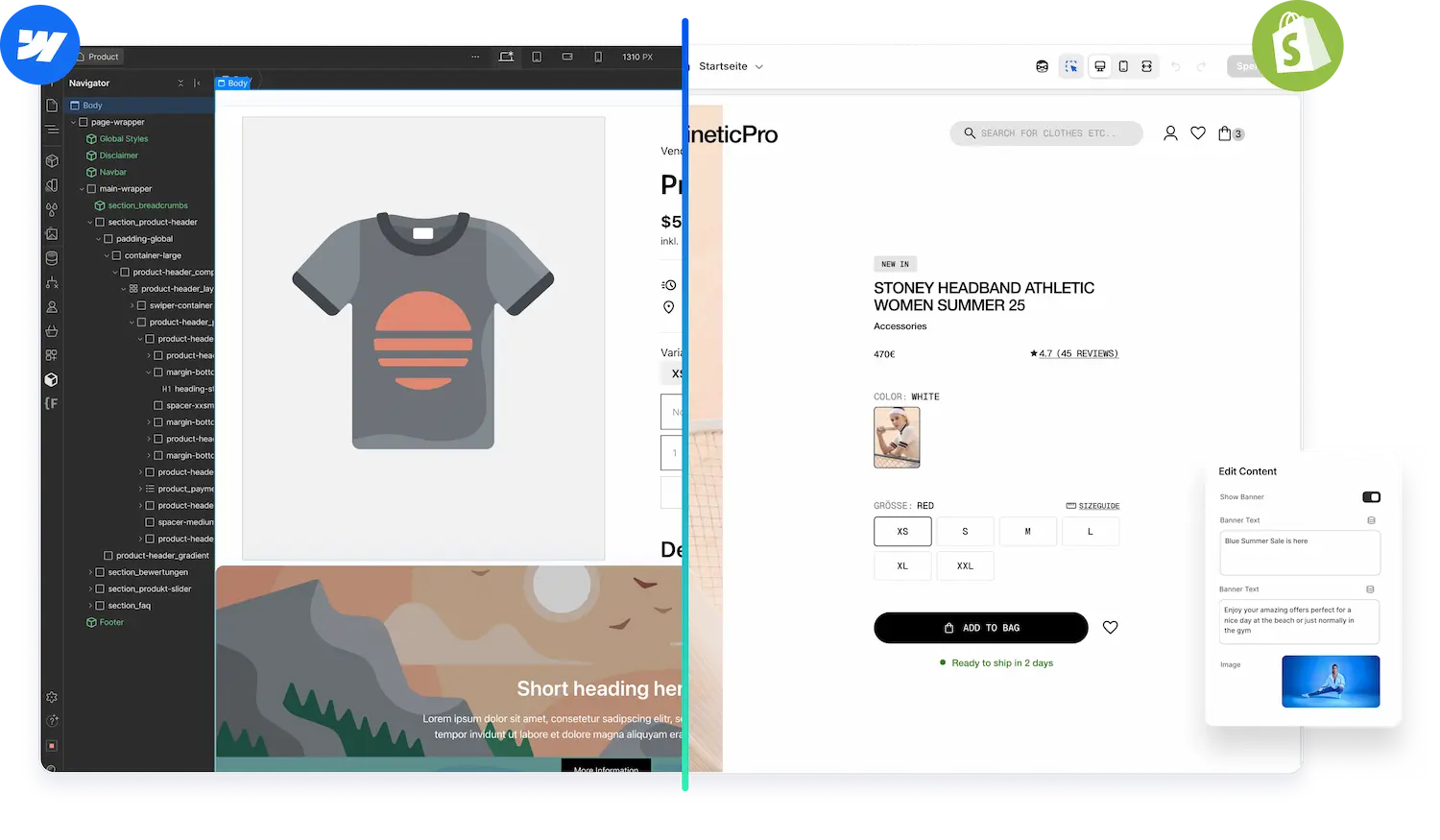



Create a fully working Shopify 2.0 Theme with Webflow. Manage in Shopify, 100% scalable.
Learn about Theme Builder
Create custom sections in Webflow and add them to any theme in your Shopify store.
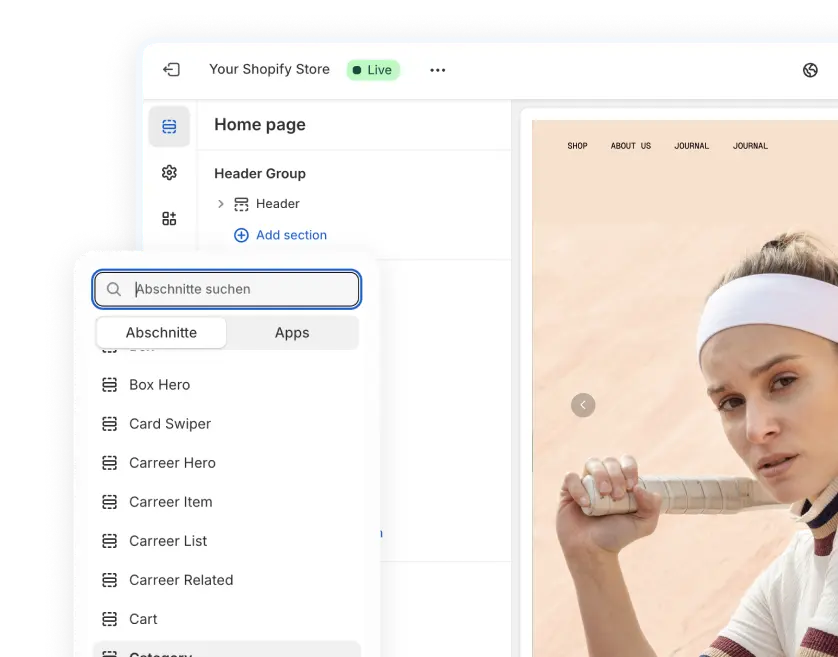
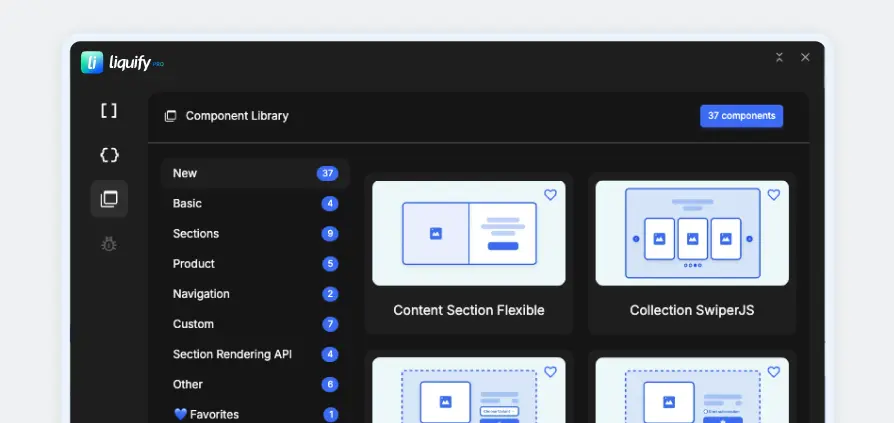
Easy workflow with 30+ components and streamlined attribute creations.
Install now.webp)

Enjoy full content control in Shopify while keeping the design freedom of Webflow. Build your next-level Shopify store with Liquiflow.
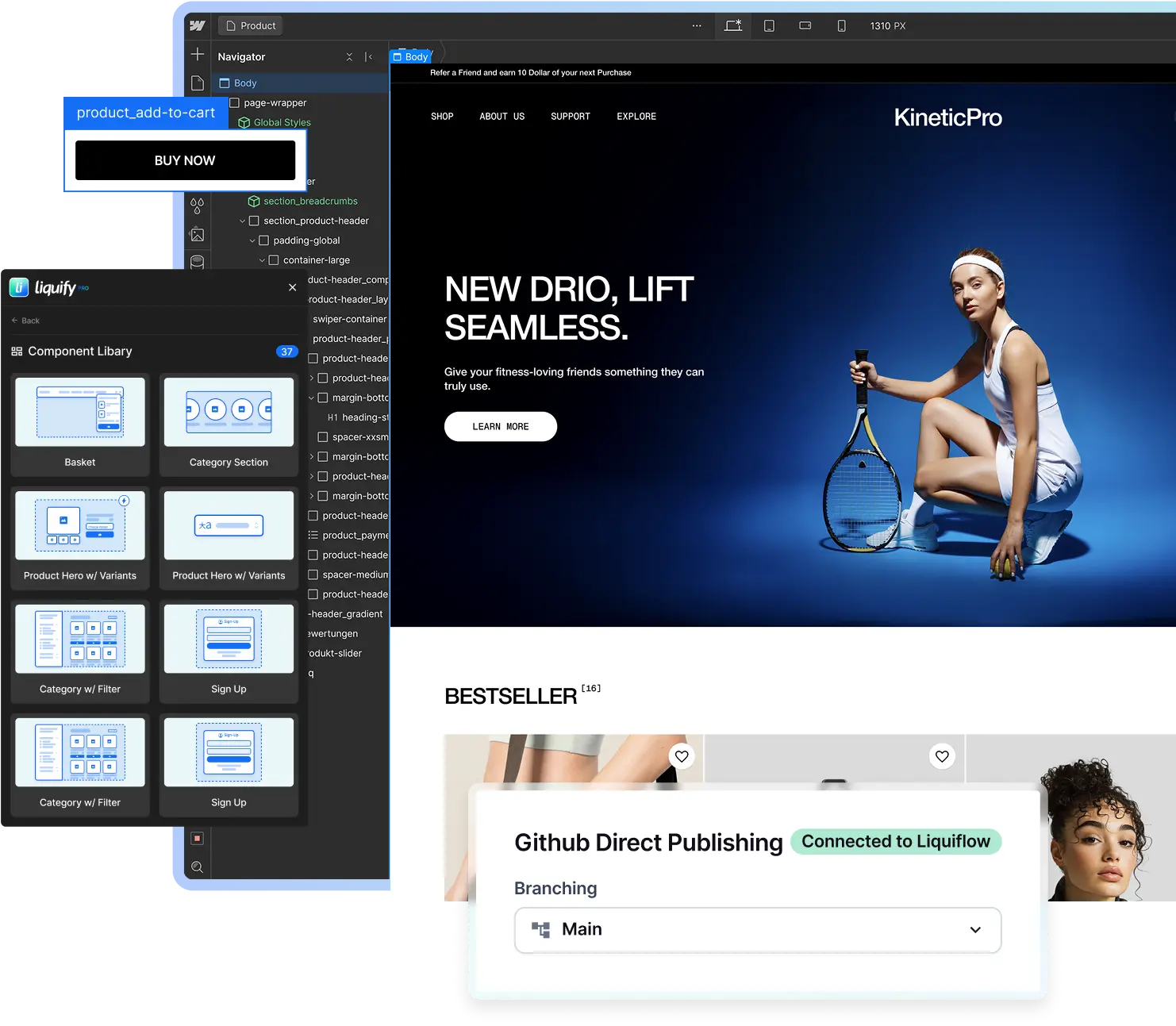
Discover how easily Liquiflow helps exporting your Webflow design into lightweight Shopify theme code that belongs entirely to you.
For just $49/month, you get to design with Webflow's world-class editor and export standard Shopify sections that are fully optimized for performance, unlimited projects. It’s professional-grade design freedom at a price that makes sense.

We engineered Liquiflow to master the Webflow export to Shopify, delivering a performance-first workflow that preserves your design and eliminates technical debt.
Create a fully working Shopify 2.0 Theme with Webflow's design Freedom
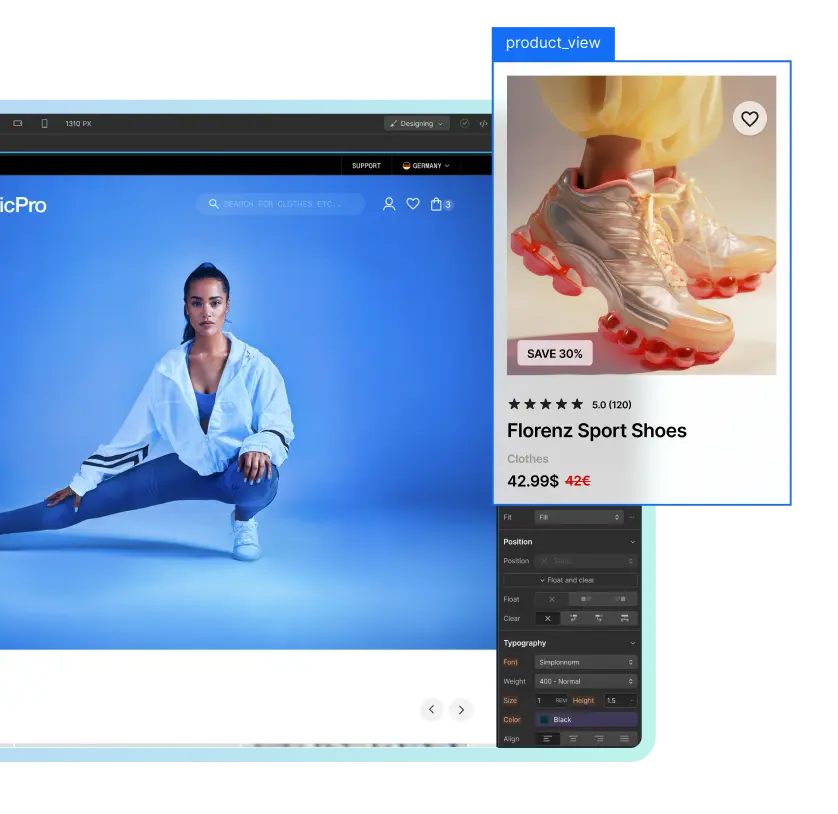
Our 2 way sync offers cross collaborating and editing after publish
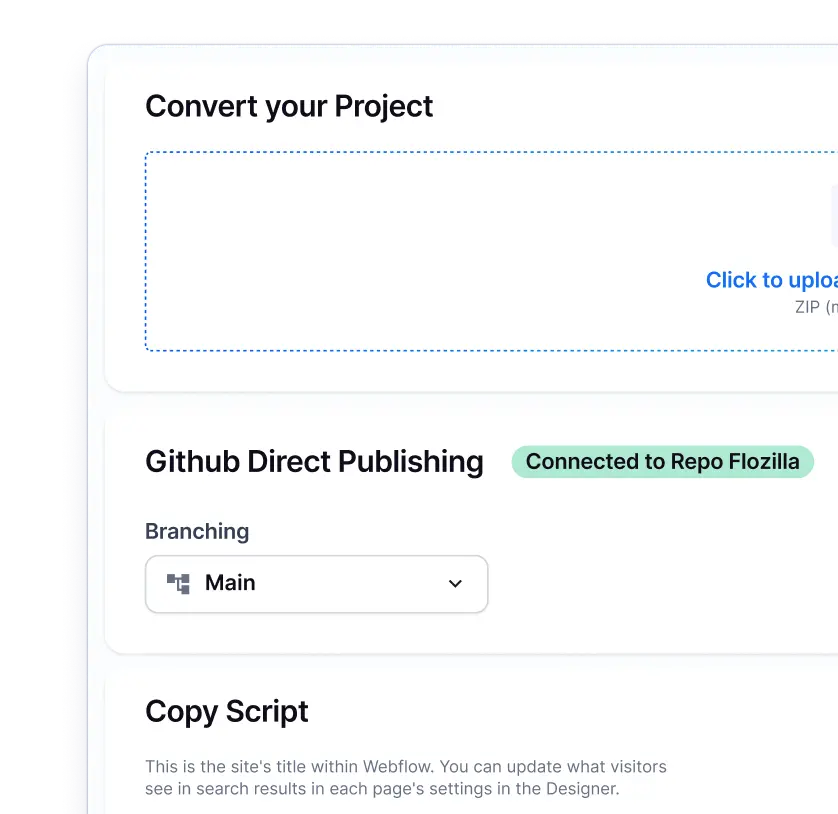
Everything in one place. Pages, Products, Content, Analytics, and Tracking.

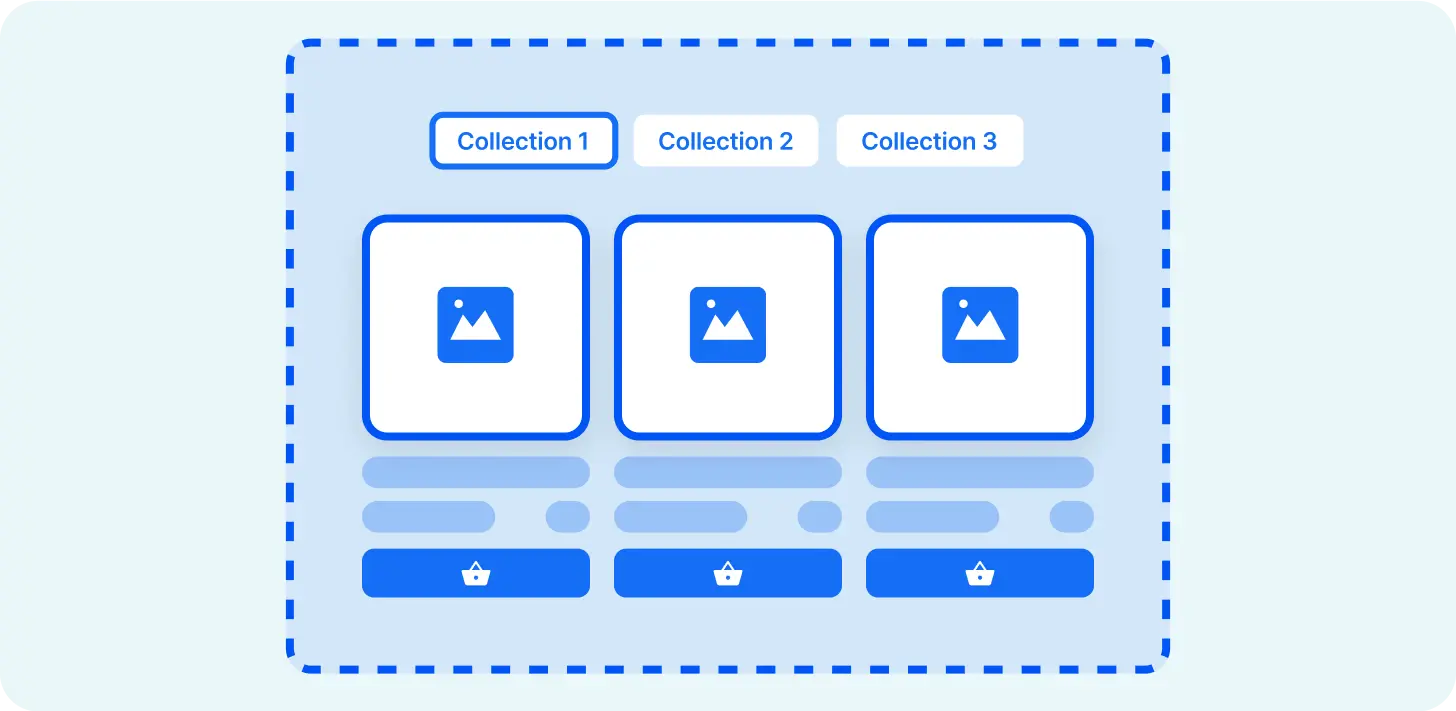
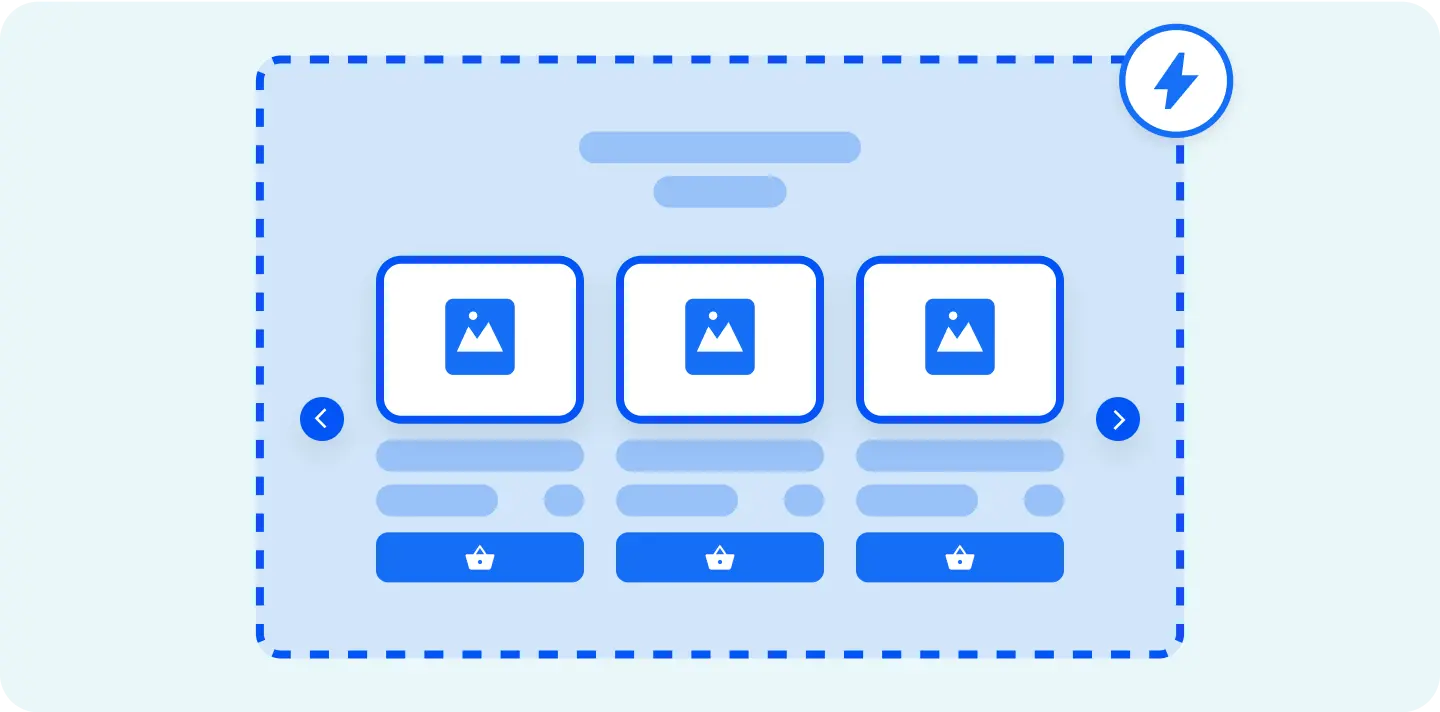
A great feature for creating lists, sliders, or other dynamic elements.
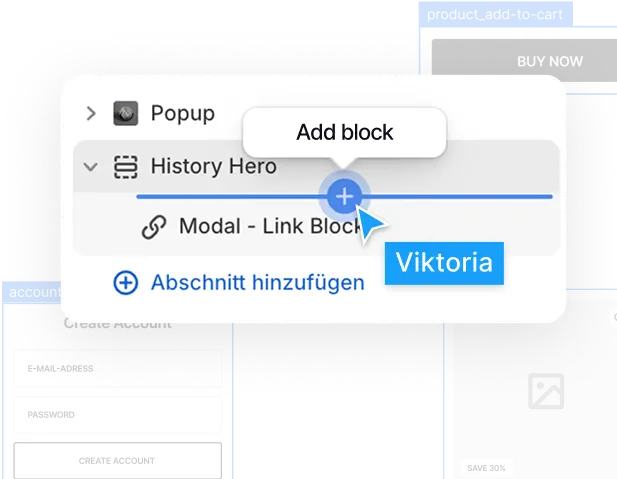
Easily add subscriptions or reviews or any other app.
Our Github integration connects Webflow with Shopify seamlessly.

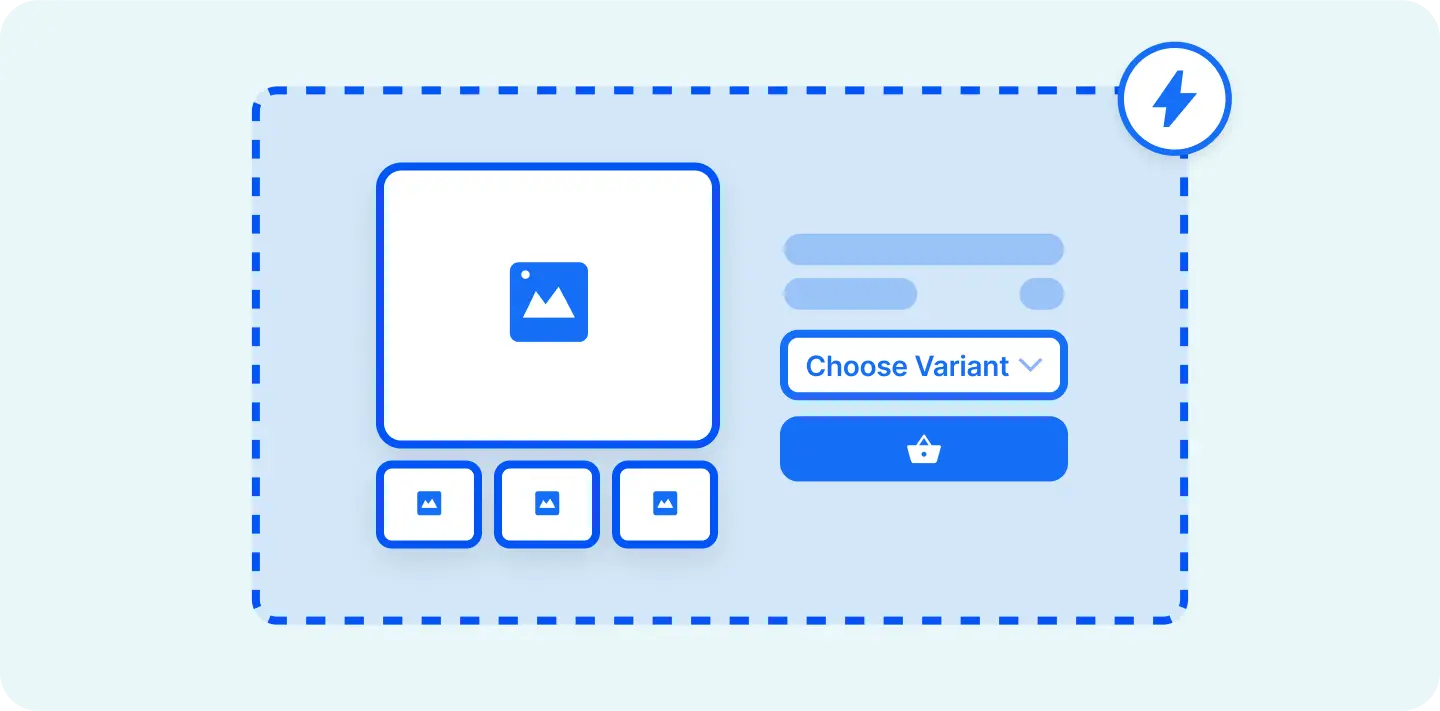
Connect to Shopify's dynamic fields via metaobjects or metafields.
Stop paying hundreds of dollars per month just to get your store running.
You don't need a paid hosting plan for Webflow; instead, you'll need to incorporate custom code into your webpage. Therefore, having a valid account plan is essential for seamless conversion. When you just want to to use the Liquiflow Section Converter, you dont need any Webflow plan.
You can exports sites in Webflow if you click on the Webflow "W" in the top left and then click on "Export Code". You can also use the Shortcut Shift + E.
When using Headless solutions you bring Shopify into Webflow. While our tool brings Webflow into Shopify. Liquiflow Pro uses Webflow just to build the frontend, all the E-Commerce functionality is in Shopify.
The issue with Headless systems is, that they need constant syncing and plans for mulitple platforms (which can be expensive), this is not the case with Liquiflow.
Only in a very basic form. Liquiflow takes aways the complexity with attributes. But its helpful to get to know it a bit to build faster. Dont worry if you get stuck - our Discord channel is always open for support.
In general, you need to keep in mind that you create a standalone section file with CSS of Webflow. When bringing in new class names and styles, you need to keep in mind the general CSS structure of your Shopify theme. Otherwise, it could look very different from your current theme.
Fonts shouldn't be set in Webflow on a class, instead inherit the font from the Shopify theme. When using any add to cart or other Javascript functionality, you need to check your theme first and adapt it to the theme functionality.
The section converter works best for content sections which you can link to dynamic data.
The Theme Builder creates a fully functional Shopify Theme from scratch. The Section Builder on the other hand can be used on existing Shopify Themes to create single sections.
We are here to help! Join our Discord channel and we are very confident that we can solve your issue!
Shopify liquid is a templating language created by Shopify, a popular e-commerce platform. It is specifically designed for building dynamic and customizable templates for Shopify online stores. Liquid is used to create and control the look and layout of your Shopify store, including the storefront, product pages, and various other dynamic elements.
Liquid is known for its simplicity and ease of use, making it accessible to individuals with limited programming experience. It allows you to insert variables, conditionals, loops, and other logic directly into your templates, making it possible to create personalized and responsive online stores.
Content editing occurs within Shopify. In Webflow, you strategically position all the variables that require editing, either by you or your customers, in Shopify. You have the flexibility to determine where and how the content is populated, and you can provide clear guidelines to your customers for working with sections and blocks.
Yes. Following the conversion, you will have a fully functional Shopify theme that meets the standards of Shopify theme development. This enables you to seamlessly integrate apps from the Shopify app store.
Yes, this is possible. You can use our converter to Transfer a Webflow project to Shopify. First you need to download the tagged Webflow Project (Command + E). Once downloaded upload the zip file into Liquiflow. We will handle the rest and the output is a fully functional Shopify 2.0 theme.




Liquiflow is exactly what I’ve been needing for years. A clear, limitless way to build bespoke shopify sites with webflow. Beats building with headless or using annoying converter apps that don’t work. Bit of a learning curve, but well worth it and very enjoyable

I'm not a big agency, just a freelancer looking for efficient solutions. Liquiflow proved to be exactly what I needed - a simple, powerful way to export Webflow sites to Shopify theme.
I've been using it for a few months now, I was able to handle two projects for a very satisfying clients, one with over 200 products catalog without any headaches. Their tool made what could have been a complex process incredibly straightforward ! Highly recommend ! [...]

Just stumbled upon this gem and wow - what a game-changer for Shopify store builders! 🎯
As someone who loves Webflow's design flexibility but needs Shopify's e-commerce power, this is exactly what I've been waiting for. The Github workflow integration is chef's kiss - finally bringing proper version control to Shopify theme development!

Create a fully working Shopify 2.0 Theme with Webflow. Manage in Shopify, 100% scalable.
Learn about Theme BuilderCreate custom sections in Webflow and add them to any theme in your Shopify store.
Easy workflow with 30+ components and streamlined attribute creations.
Install nowTransitioning to a native Webflow export to Shopify allows you to evolve your storefront on your own terms, whether you prefer a modular update or a complete architectural reset.
Phase out restrictive app dependencies at your own pace using our Section Builder. Translate high-impact Webflow designs into standalone, native Shopify 2.0 sections, replacing legacy blocks one by one with lightweight Liquid code that integrates seamlessly into your existing theme.
For those seeking total technical sovereignty, our Theme Builder facilitates a comprehensive Webflow export to Shopify. Rebuild your storefront from the ground up using our optimized, dependency-free foundation to ensure peak performance and 100% code ownership from day one.

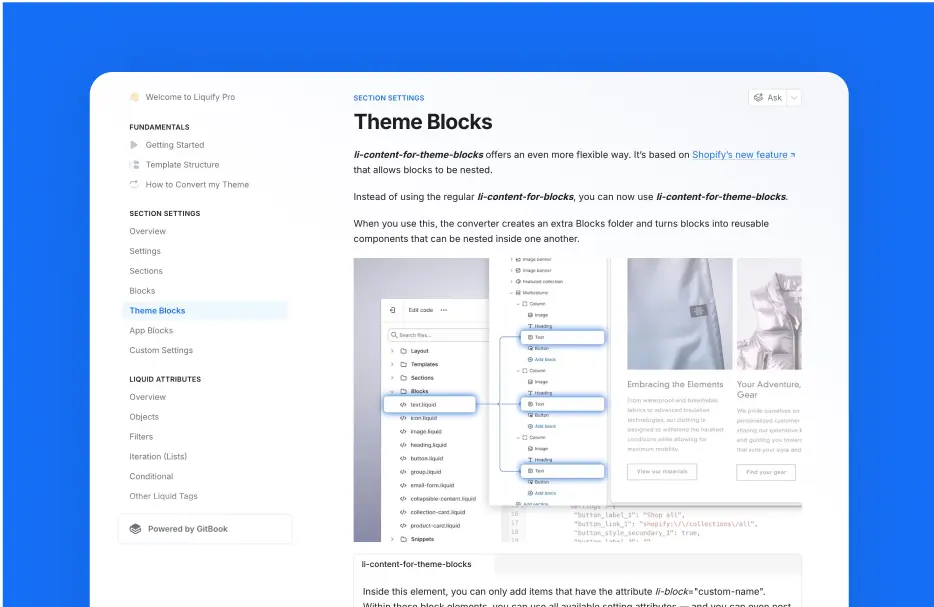
Access components inside of Webflow and apply them in the Starter Theme.