Build theme in Webflow
Create a fully working Shopify 2.0 Theme with Webflow's design Freedom

We built Liquiflow to solve what Pagefly couldn't.
Lightning Fast Load Speeds, No Random Breakage, You Own the Code
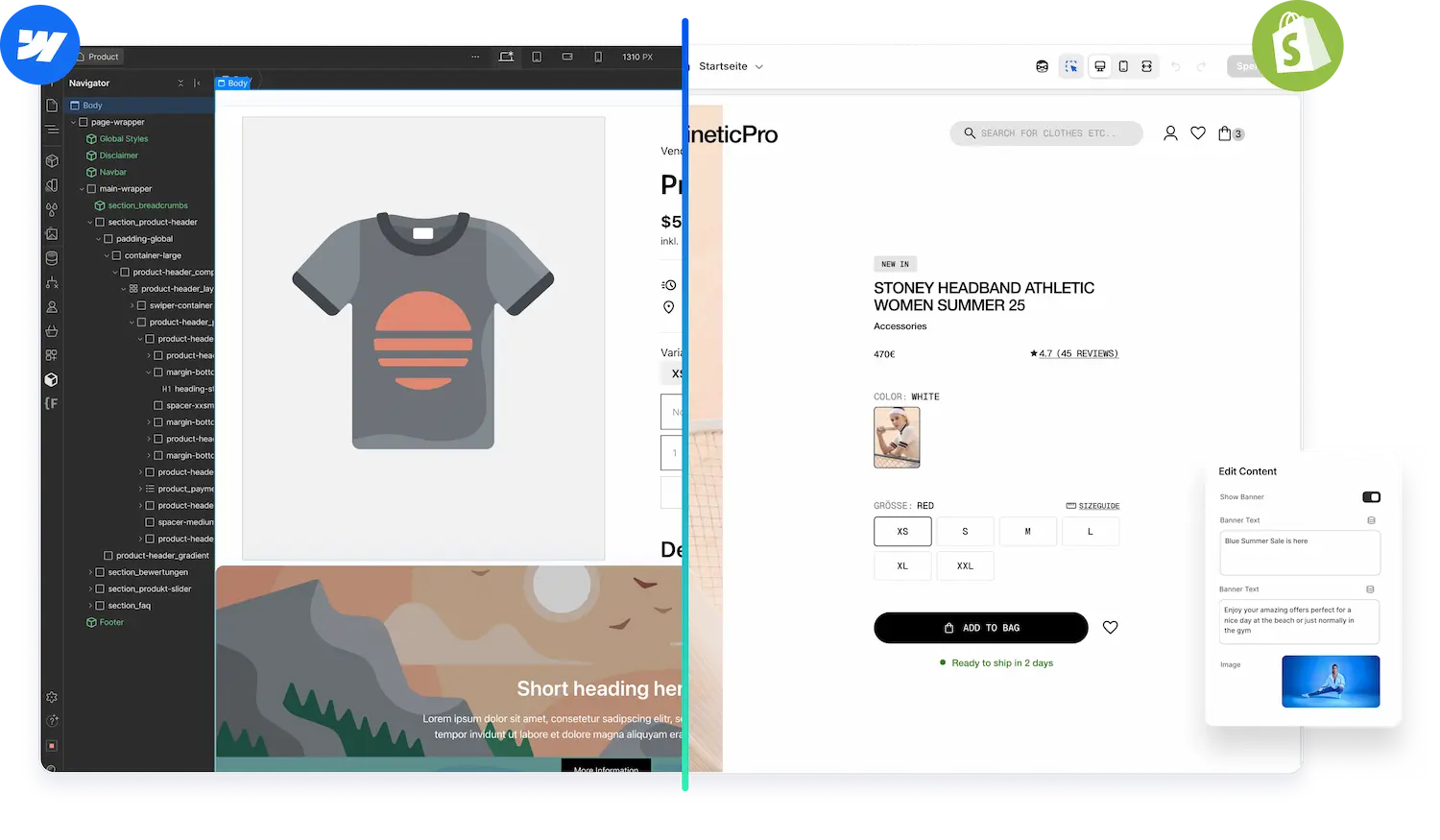


Discover how easily Liquiflow translates your Webflow design into lightweight code that belongs entirely to you.
Unlike Pagefly, we output standard Shopify sections that are fully optimized for performance. You get the creative freedom of a visual builder combined with the technical stability and native editing capabilities of a professional custom theme.

PageFly relies on app-specific structures that can impact load times and SEO.
Instead of generating native, standalone Liquid sections, it creates a dependency, limiting your ability to edit content directly in the Shopify Theme Editor without the app.
That's why we have built Liquiflow - the modern Pagefly alternative.
Create a fully working Shopify 2.0 Theme with Webflow's design Freedom
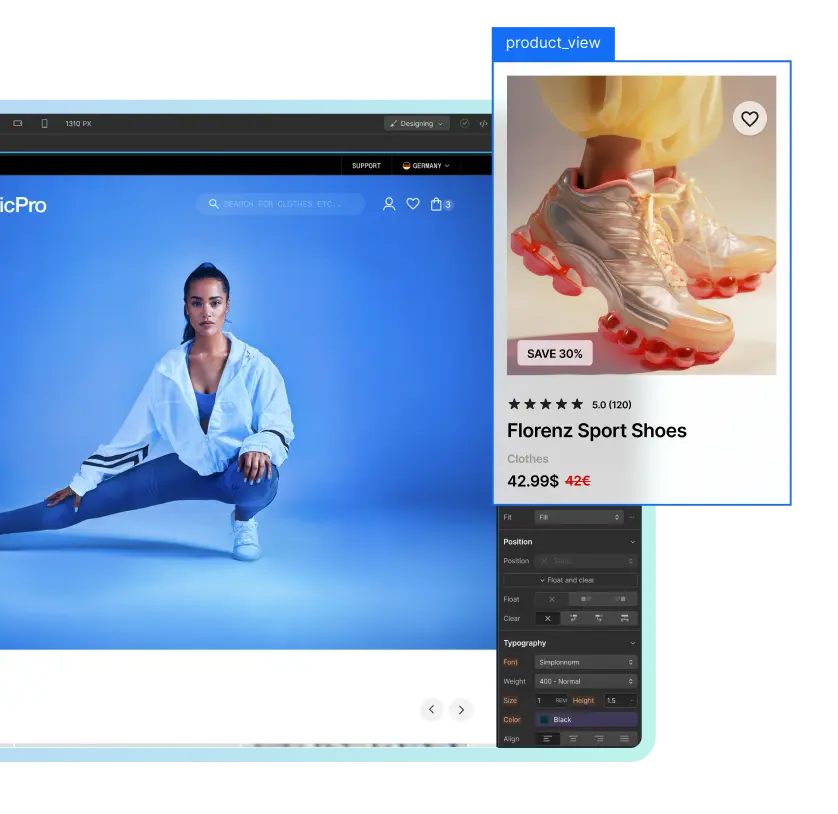
Our 2 way sync offers cross collaborating and editing after publish
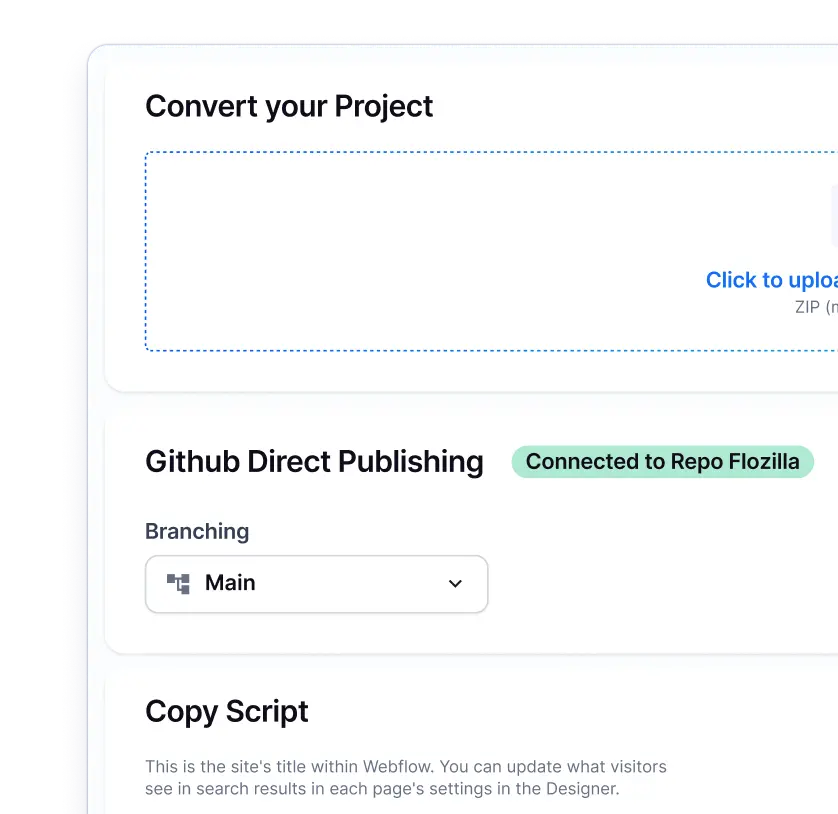
Everything in one place. Pages, Products, Content, Analytics, and Tracking.

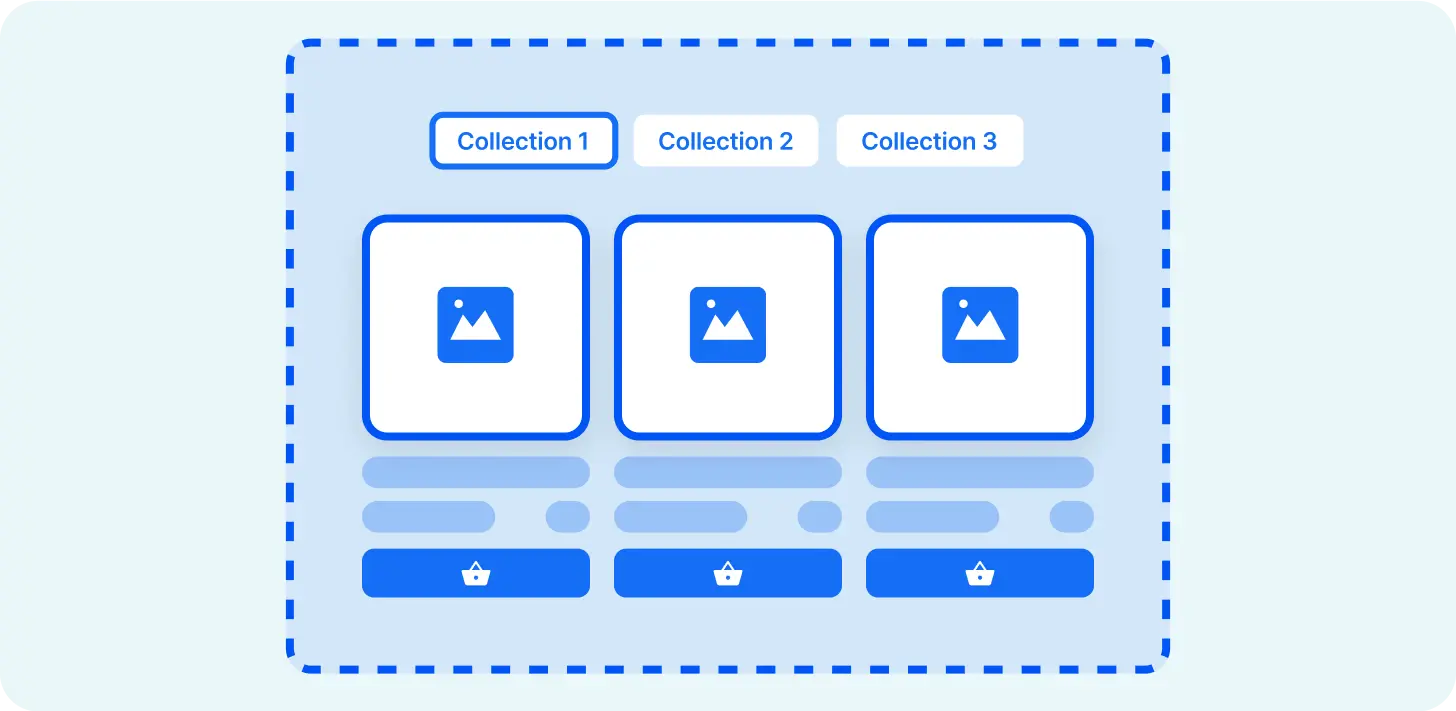
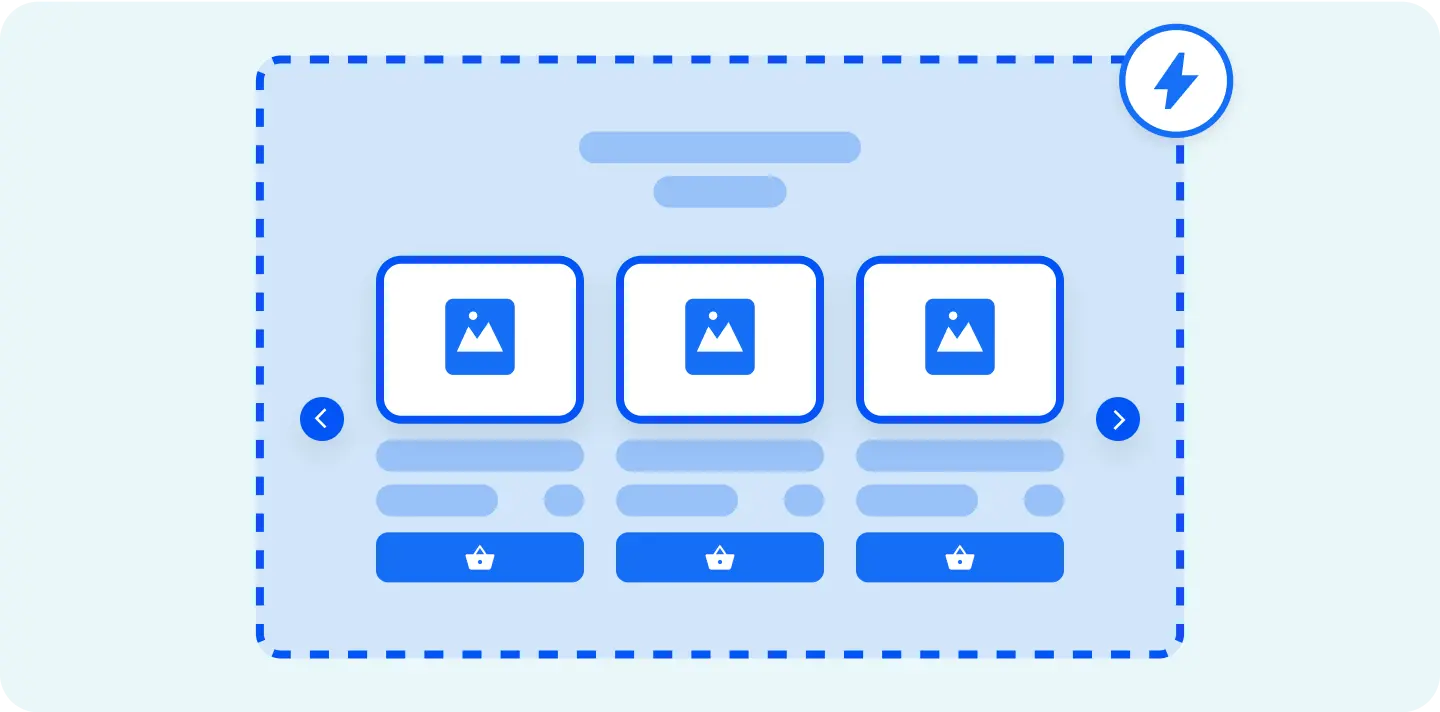
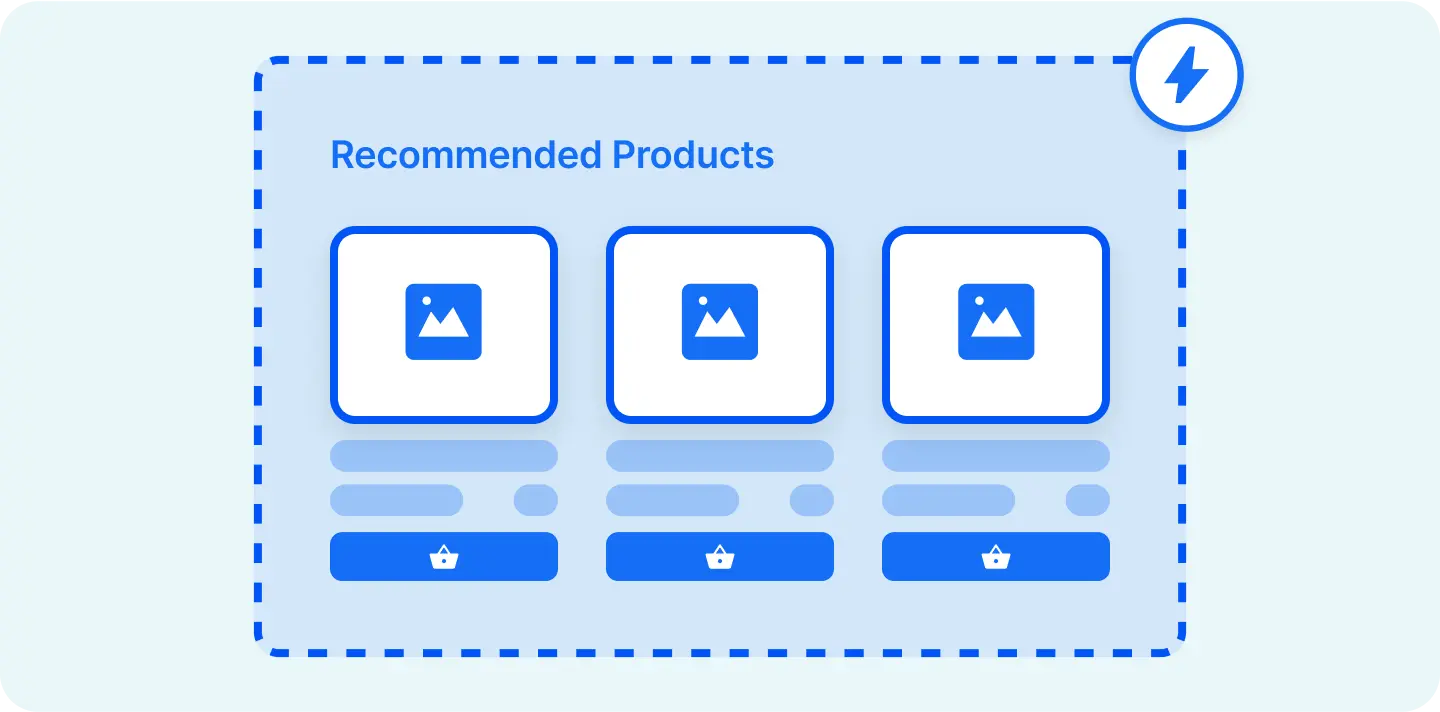
A great feature for creating lists, sliders, or other dynamic elements.
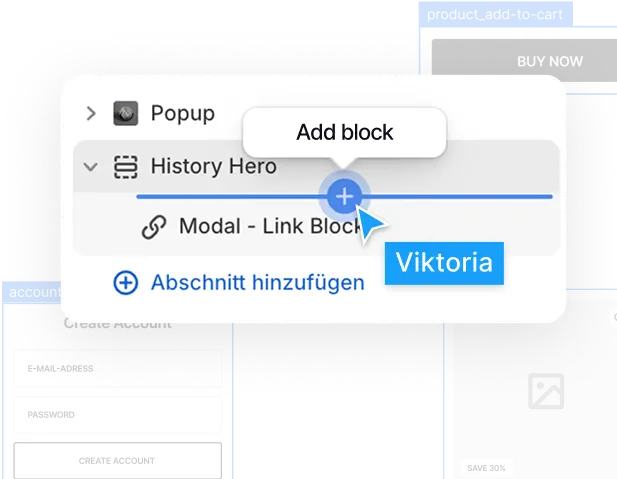
Easily add subscriptions or reviews or any other app.

Our Github integration connects Webflow with Shopify seamlessly.

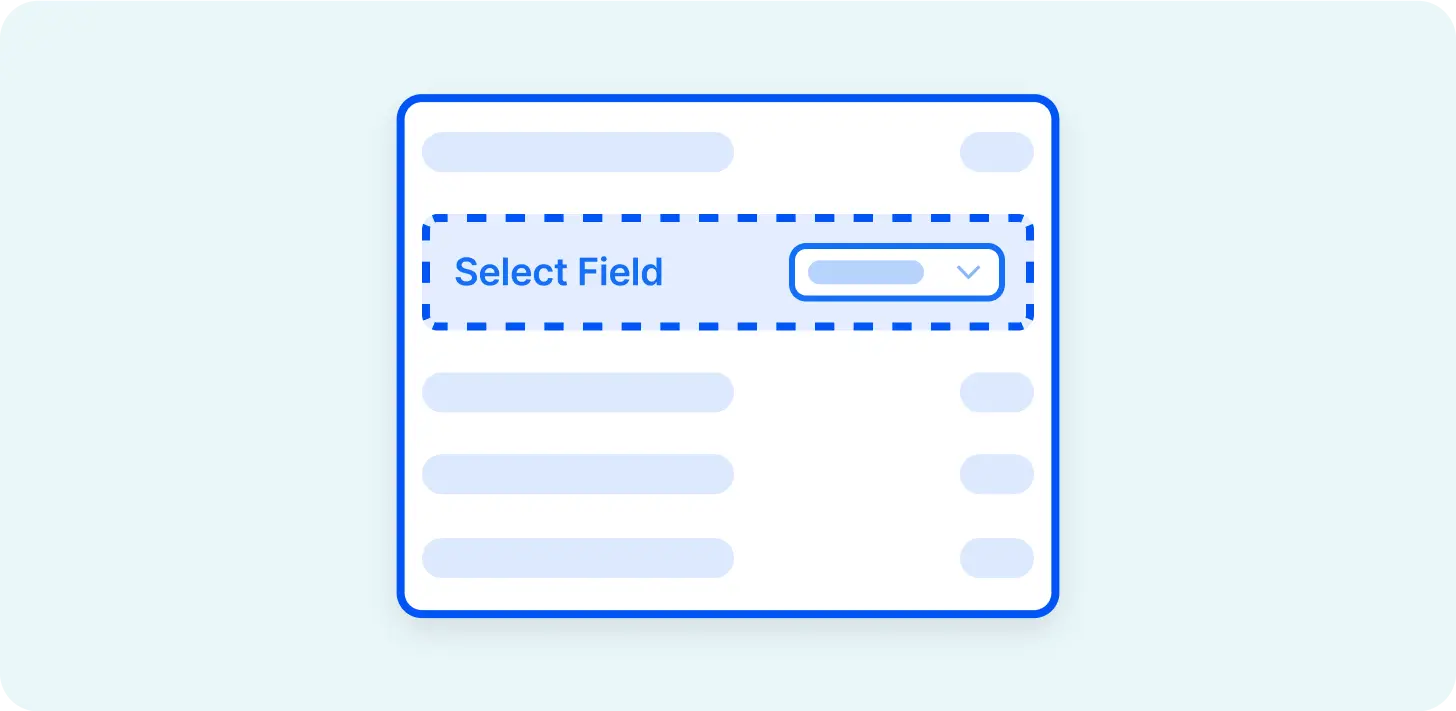
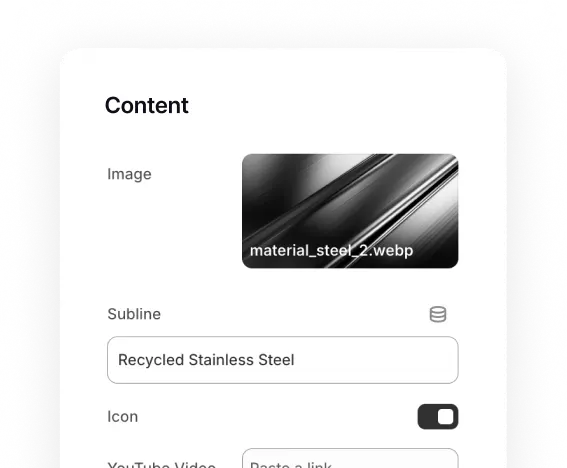
Connect to Shopify's dynamic fields via metaobjects or metafields.
Stop renting your store's layout. It's time to own your code.
No. Unlike drag-and-drop apps that inject heavy JavaScript and "junky code" into your theme to render layouts, Liquiflow converts Webflow code directly into clean, native Shopify Liquid. This ensures your pages are lightweight, lightning-fast, and optimized for Google’s Core Web Vitals right out of the box.
Traditional page builders often create complex nesting and duplicate content that confuses search engines. Because Liquiflow utilizes Webflow’s semantic HTML structure and converts it to native Liquid, your site remains SEO-friendly. You get the design freedom of Webflow with the technical performance of a native Shopify theme.
Never. Page builder apps often host your content on their databases; when they push a buggy update, your live site suffers. With Liquiflow, you are exporting code to Shopify. Once your theme is uploaded, it is yours. It lives on Shopify's servers, independent of our app. We cannot "break" your site remotely because we don't inject scripts that control your layout in real-time.
Absolutely not. This is a massive difference between us and standard page builders like Pagefly. If you uninstall Liquiflow, your pages stay exactly as they are because they are standard Shopify theme files. You aren't "renting" your layout from us, you own the code. There is no messy cleanup and no broken pages left behind.
We agree. Shopify page builder UIs can be clunky, crash often, and lack precision. That’s why we don't force you to build inside our app. You build in Webflow, the world's leading visual development platform. You get Webflow's stability, pixel-perfect precision, and responsiveness, and Liquiflow simply handles the translation to Shopify.
No, this is where Liquiflow shines. Most page builders like Pagefly inject a single, uneditable block into your theme, forcing you to open their slow app just to fix a typo or swap an image. Liquiflow converts your Webflow variables into native Shopify Liquid code. This means once you export, you (or your clients) can edit text, images, and links directly inside the standard Shopify "Customize" interface, just like a native theme section.
You maintain 100% control. A major complaint with apps like PageFly is that they "lock" your content; if you delete the app, you can no longer edit your layout because the interface is gone. Since Liquiflow generates standard Liquid files and HTML, your pages remain fully editable via the Shopify code editor or the Theme Editor (for schema fields) forever, even if you never use Liquiflow again. You own the code, not us.




Liquiflow is exactly what I’ve been needing for years. A clear, limitless way to build bespoke shopify sites with webflow. Beats building with headless or using annoying converter apps that don’t work. Bit of a learning curve, but well worth it and very enjoyable

I'm not a big agency, just a freelancer looking for efficient solutions. Liquiflow proved to be exactly what I needed - a simple, powerful way to export Webflow sites to Shopify theme.
I've been using it for a few months now, I was able to handle two projects for a very satisfying clients, one with over 200 products catalog without any headaches. Their tool made what could have been a complex process incredibly straightforward ! Highly recommend ! [...]

Just stumbled upon this gem and wow - what a game-changer for Shopify store builders! 🎯
As someone who loves Webflow's design flexibility but needs Shopify's e-commerce power, this is exactly what I've been waiting for. The Github workflow integration is chef's kiss - finally bringing proper version control to Shopify theme development!


Create a fully working Shopify 2.0 Theme with Webflow. Manage in Shopify, 100% scalable.
Learn about Theme Builder
Create custom sections in Webflow and add them to any theme in your Shopify store.
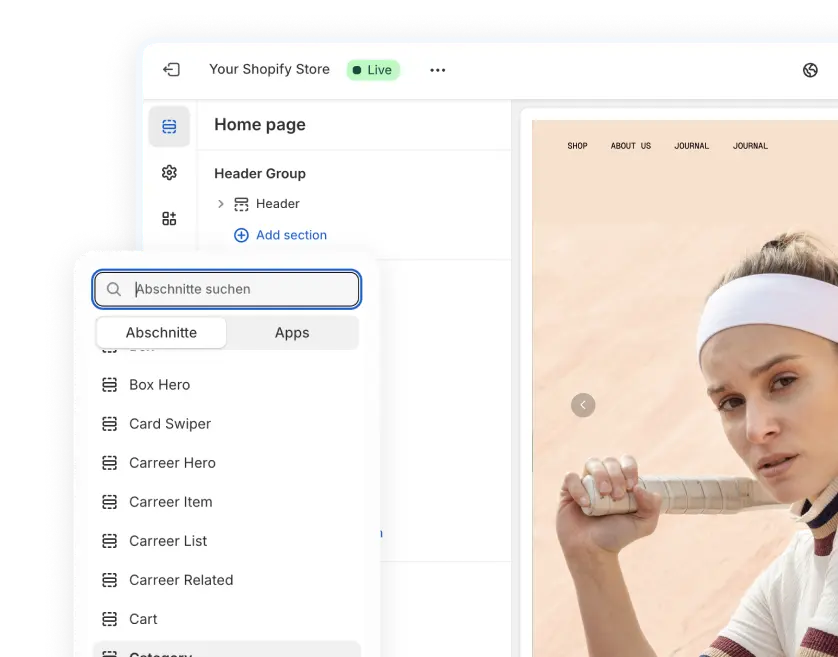
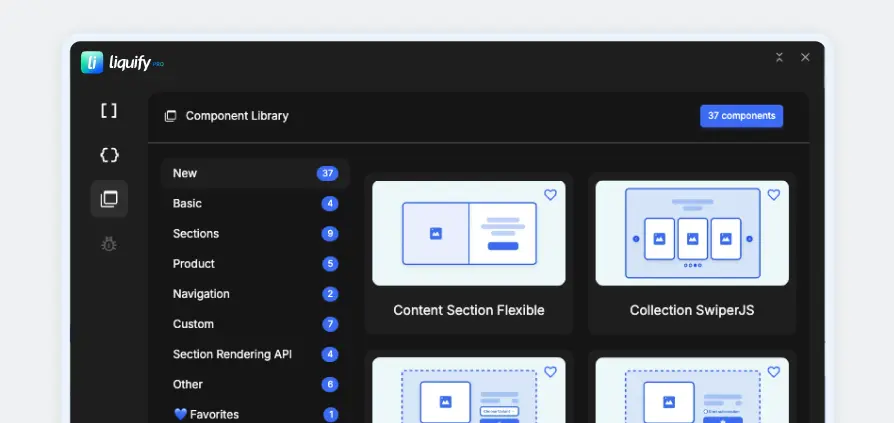
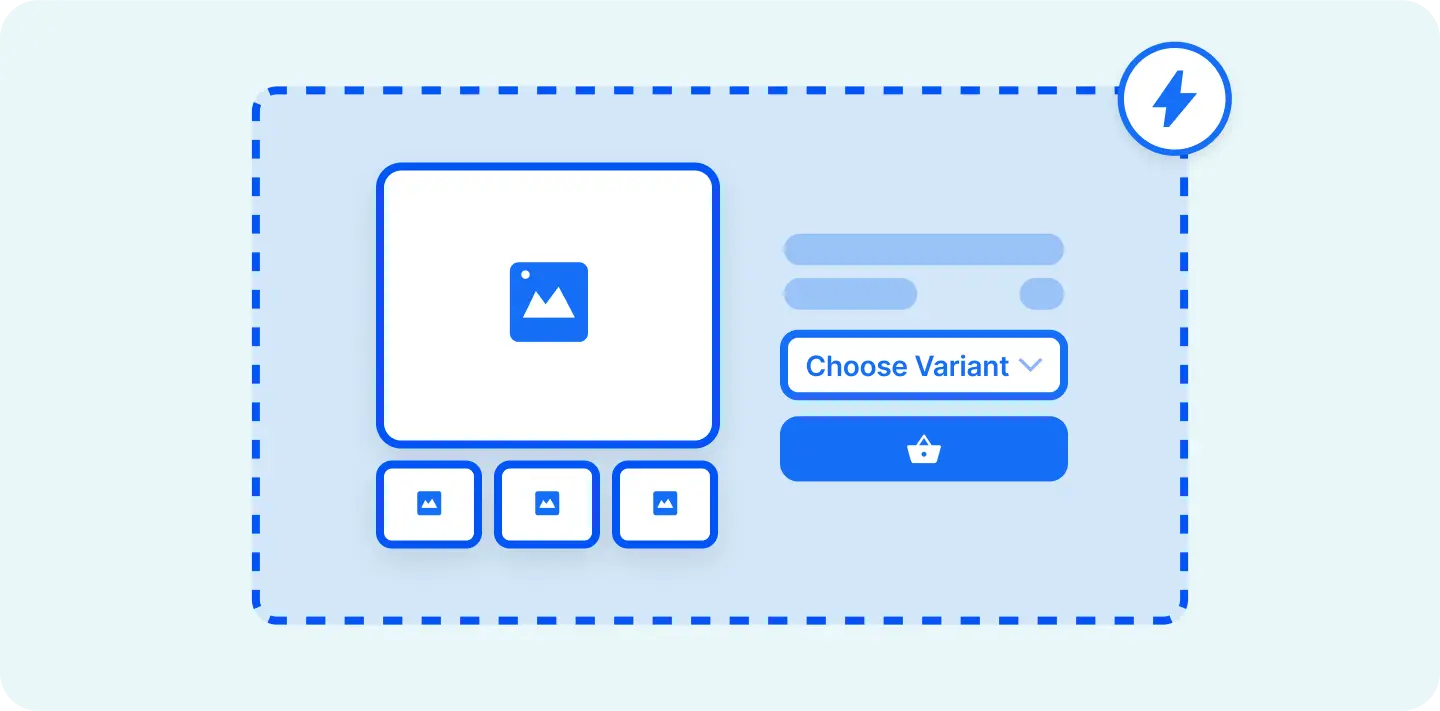
Easy workflow with 30+ components and streamlined attribute creations.
Install now.webp)

Migrating from PageFly to Liquiflow allows you to move at your own pace, whether you prefer a gradual transition or a complete fresh start.
If you want to phase out PageFly slowly, use our Section Builder to recreate specific high-impact elements, like hero banners or product grids in Webflow, exporting them as native Shopify 2.0 sections to replace bloated PageFly blocks piece by piece.
Alternatively, if you are ready to completely cut the cord and eliminate legacy code immediately, utilize our Theme Builder workflow. Simply start with our optimized Starter Theme to rebuild your entire storefront from the ground up, ensuring a 100% clean, dependency-free codebase from day one.
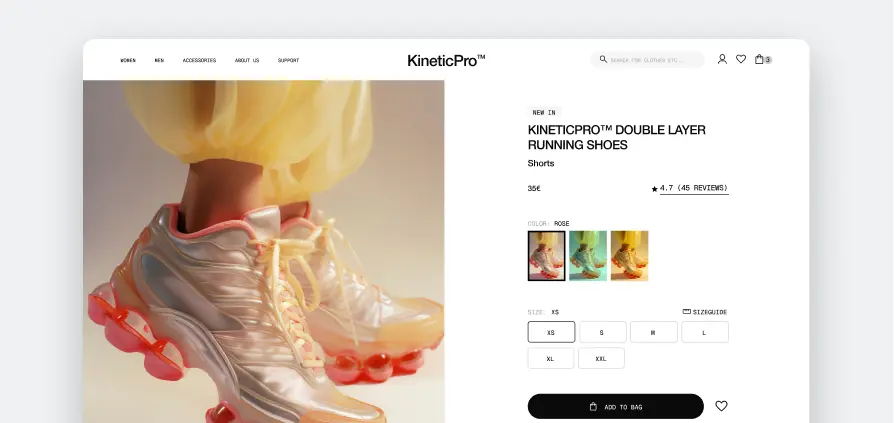
Access components inside of Webflow and apply them in the Starter Theme.