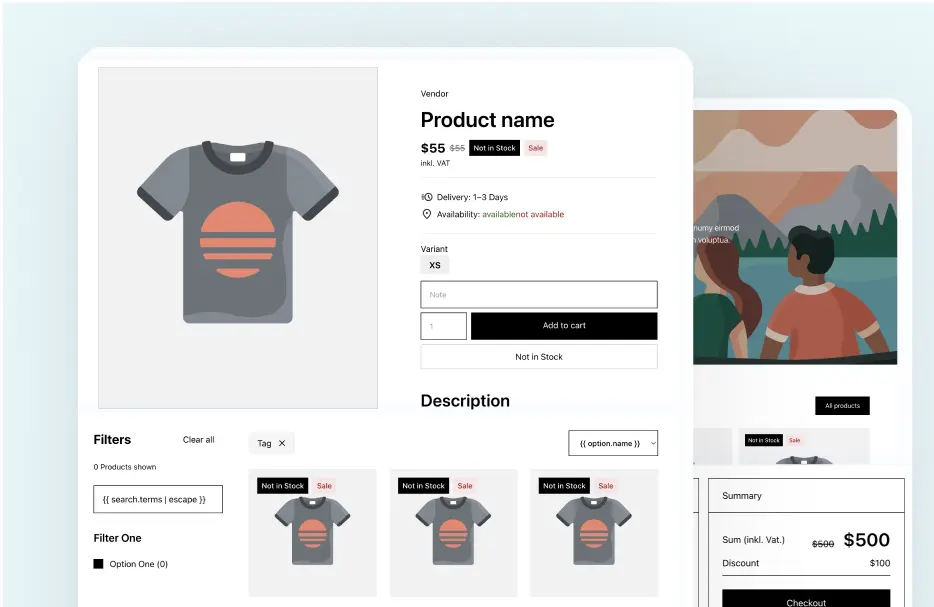
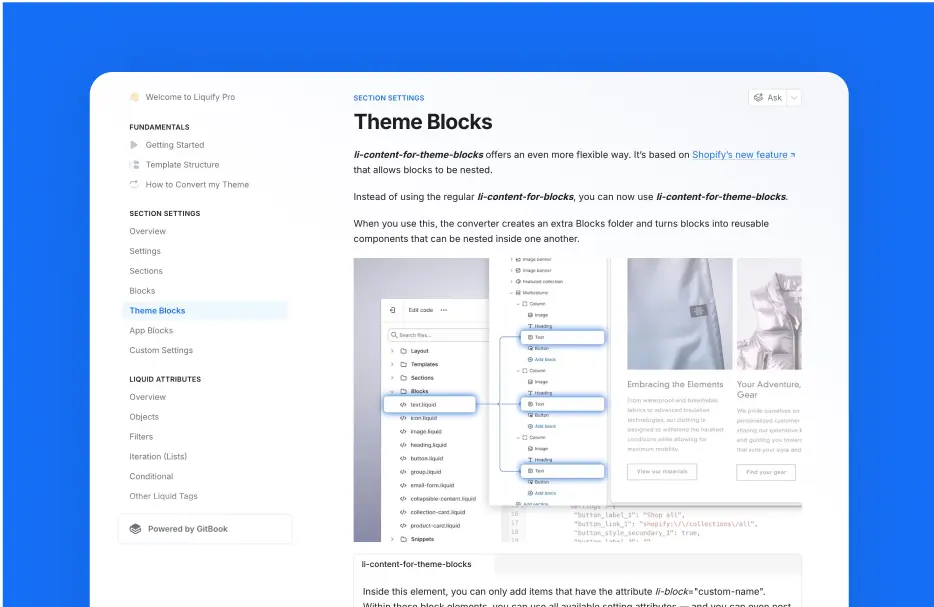
Build theme in Webflow
Create a fully working Shopify 2.0 Theme with Webflow's design Freedom

We built Liquiflow to solve what Udesly couldn't.
Shopify 2.0 Themes, Github Integration, Full Liquid Support and much more!
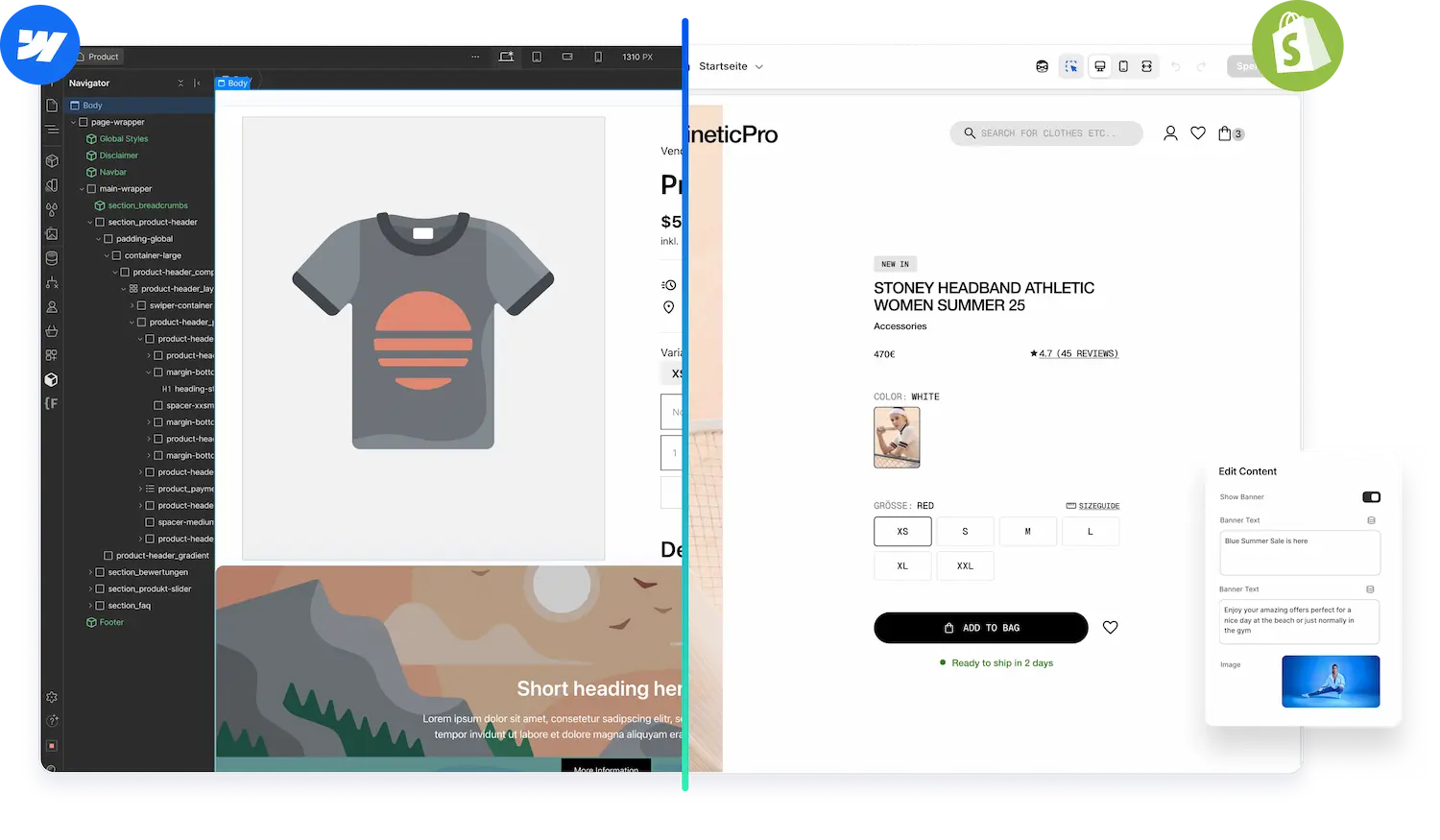



Udesly didnt deliver what our Shopify projects needed.
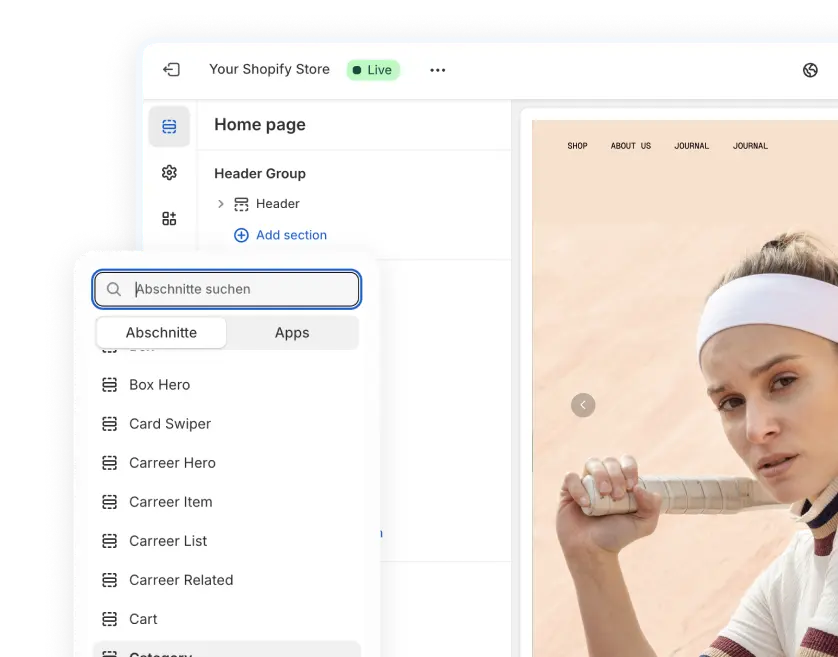
It generates outdated legacy themes instead of modern Shopify 2.0 architecture with sections everywhere and app blocks.
That's why we have built Liquiflow - the modern Udesly alternative.
Create a fully working Shopify 2.0 Theme with Webflow's design Freedom
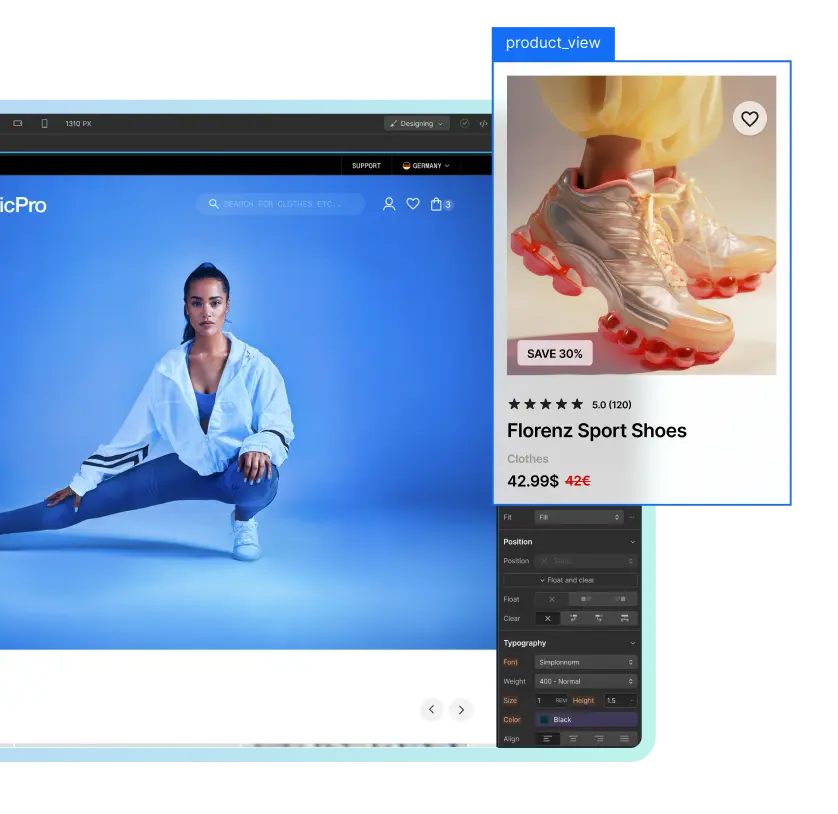
Our 2 way sync offers cross collaborating and editing after publish
Everything in one place. Pages, Products, Content, Analytics, and Tracking.

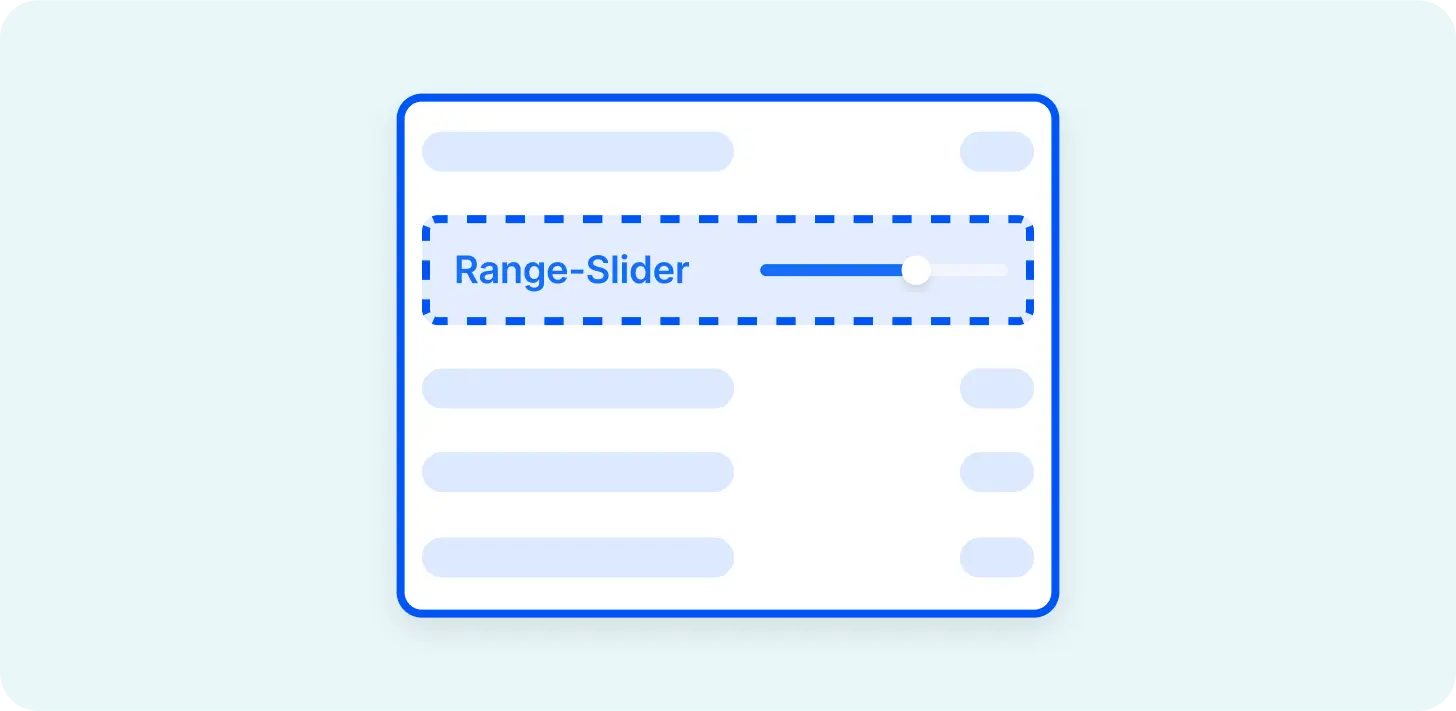
A great feature for creating lists, sliders, or other dynamic elements.
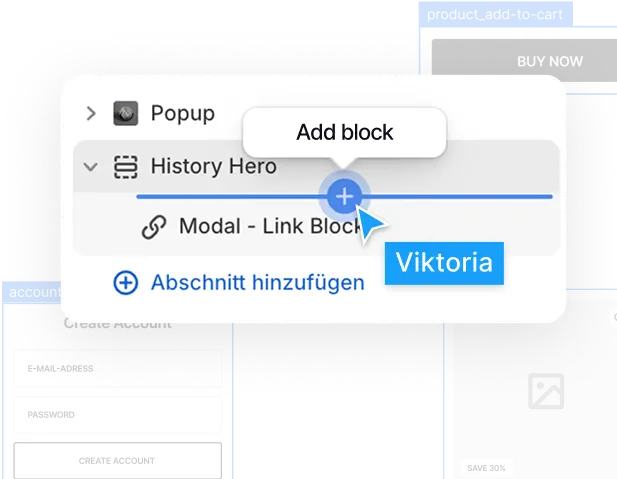
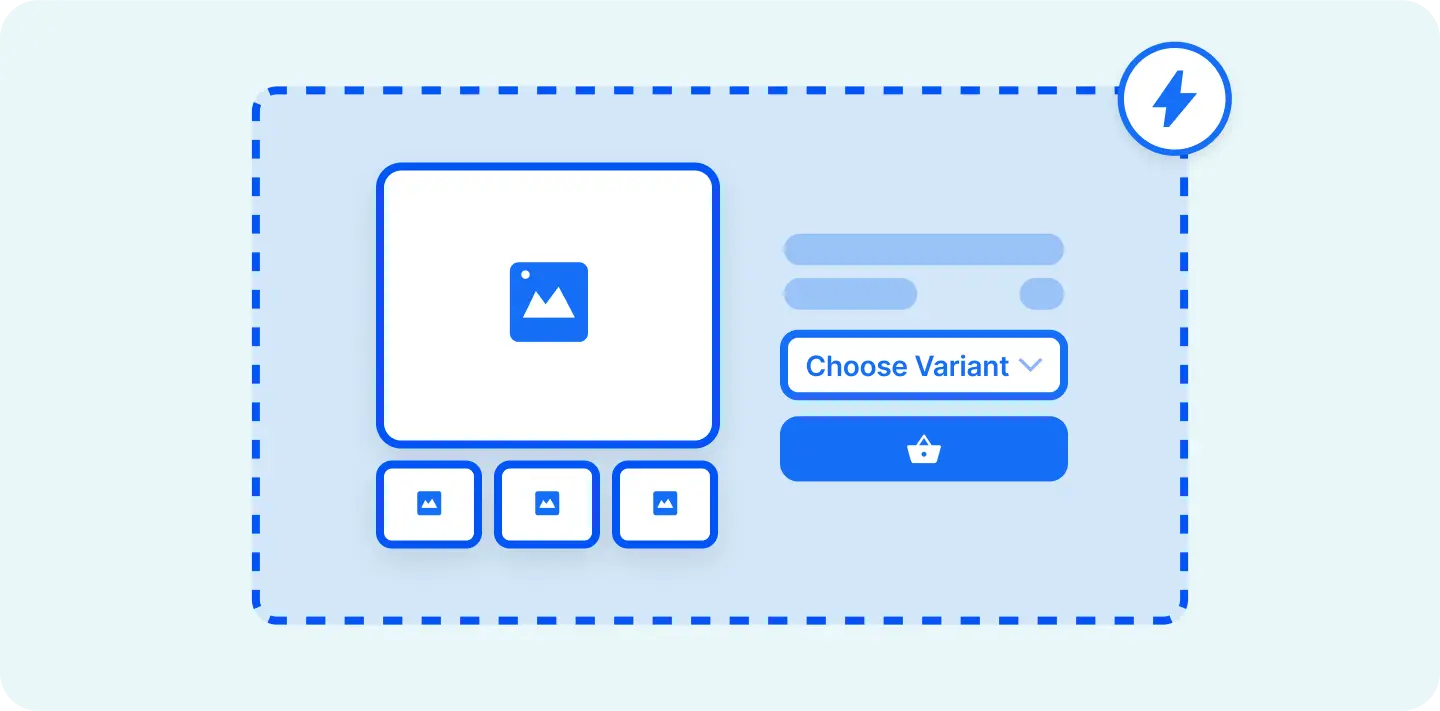
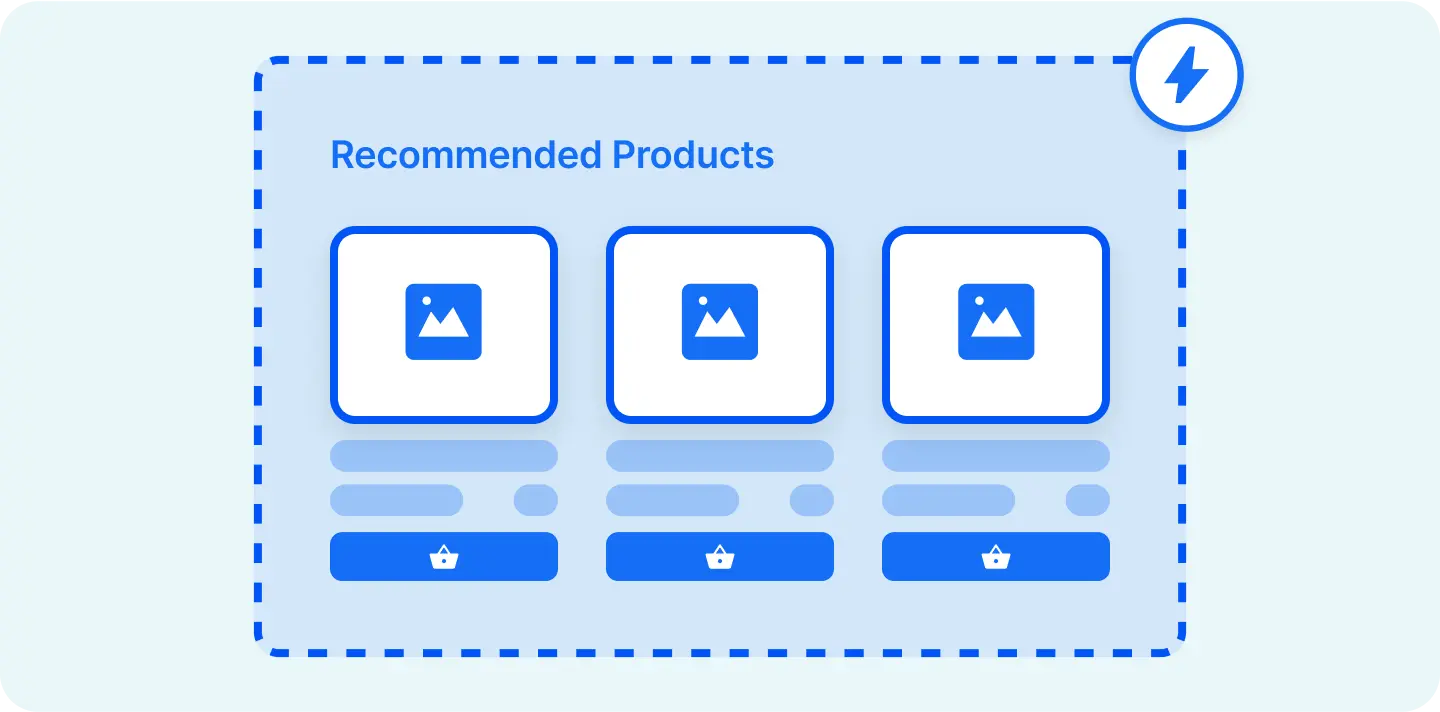
Easily add subscriptions or reviews or any other app.

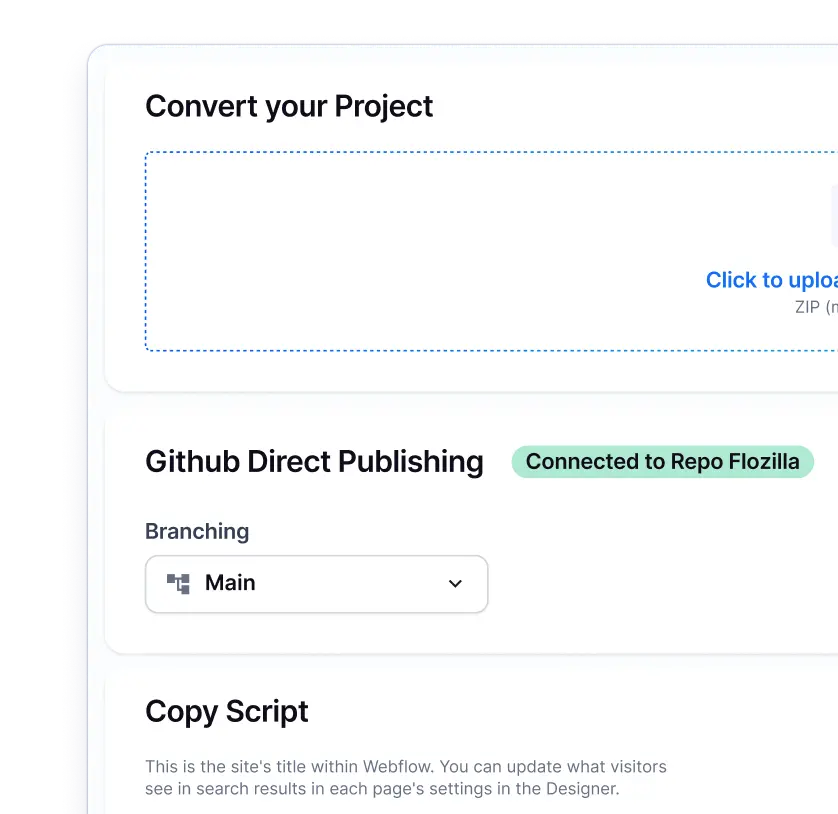
Our Github integration connects Webflow with Shopify seamlessly.

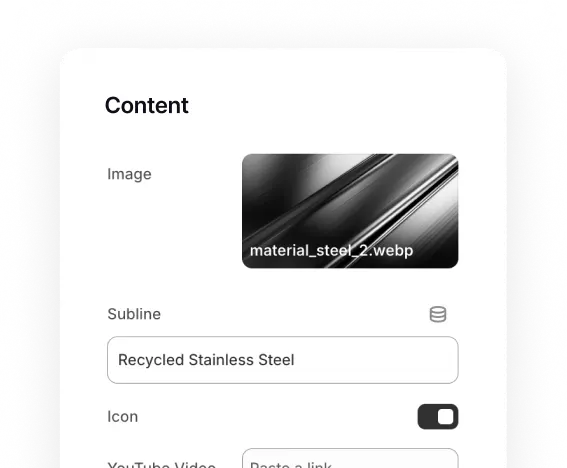
Connect to Shopify's dynamic fields via metaobjects or metafields.
Udesly had a good run, but now its time to move on to a modern solution.
Udesly pioneered the Webflow to Shopify workflow, however they have since then stopped developing their Theme Builder. We have been using Udesly for our Agency projects and were stuck when they didn't Update their tool to support Shopify 2.0 themes. This was unacceptable for our clients, so we built our own Udesly alternative: Liquiflow
It is important, because this structure allows you to generate reusable sections (think of it like components in Webflow). When you don't use this structure you cant generate new page templates in the theme editor, this makes everything extremly static. This is like building a Webflow website without using components. Every new, modern theme runs on the Shopify 2.0 infrastructure
With Udesly you had to manually update a theme everytime you did an update. This works, but is a lot more work because you have to manually copy the section settings data everytime you do an update.
With Liquiflow we have connected Github inbetween. You just push what you have changed as a Pull request. This means no manual updates needed and full control over every change.
Udesly supports the basic liquid features, like for-loops, objects and so on, however it misses a lot of important other Liquid features that you need to build a professional theme. This is also related to their outdated theme structure. At some point you will be stuck, because Udesly doesnt support it. Liquiflow supports the full range of Liquid, this was very important to us and makes it the perfect Udesly alternative.
Udesly has a Slack channel where you can ask a question but there was never a real community behind it. Liquiflow wants to make it differently. We have human support in our discord channels, you can book meetings with the founding team to learn how everything works and also there are over 500 members in our discord channel.
Migrating your Udesly theme to Liquiflow is simpler than rebuilding from scratch. Clone our starter theme, copy your existing sections into the new Webflow project, swap Udesly attributes for Liquiflow attributes, convert the theme, and deploy to Shopify. Add your content back in, thats it.




Liquiflow is exactly what I’ve been needing for years. A clear, limitless way to build bespoke shopify sites with webflow. Beats building with headless or using annoying converter apps that don’t work. Bit of a learning curve, but well worth it and very enjoyable

I'm not a big agency, just a freelancer looking for efficient solutions. Liquiflow proved to be exactly what I needed - a simple, powerful way to export Webflow sites to Shopify theme.
I've been using it for a few months now, I was able to handle two projects for a very satisfying clients, one with over 200 products catalog without any headaches. Their tool made what could have been a complex process incredibly straightforward ! Highly recommend ! [...]

Just stumbled upon this gem and wow - what a game-changer for Shopify store builders! 🎯
As someone who loves Webflow's design flexibility but needs Shopify's e-commerce power, this is exactly what I've been waiting for. The Github workflow integration is chef's kiss - finally bringing proper version control to Shopify theme development!

If you want to migrate your Udesly Theme to a Liquiflow theme, the process is very straightforward. You clone our starter theme and paste the sections into the new Webflow project. Remove the Udesly attributes and replace them with Liquiflow attributes. Convert the theme and bring it into Shopify. Add your content again - done.
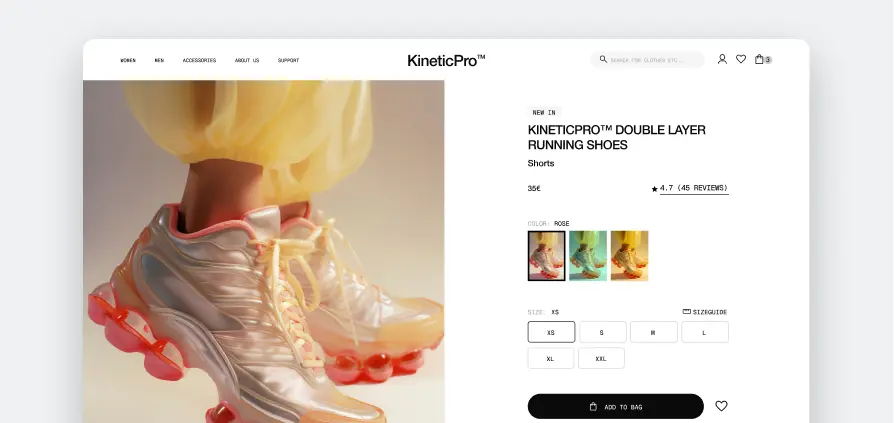
Access components inside of Webflow and apply them in the Starter Theme.
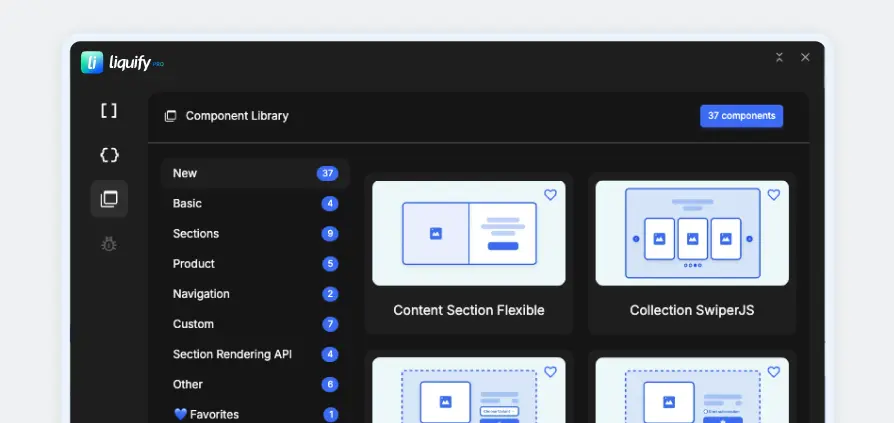
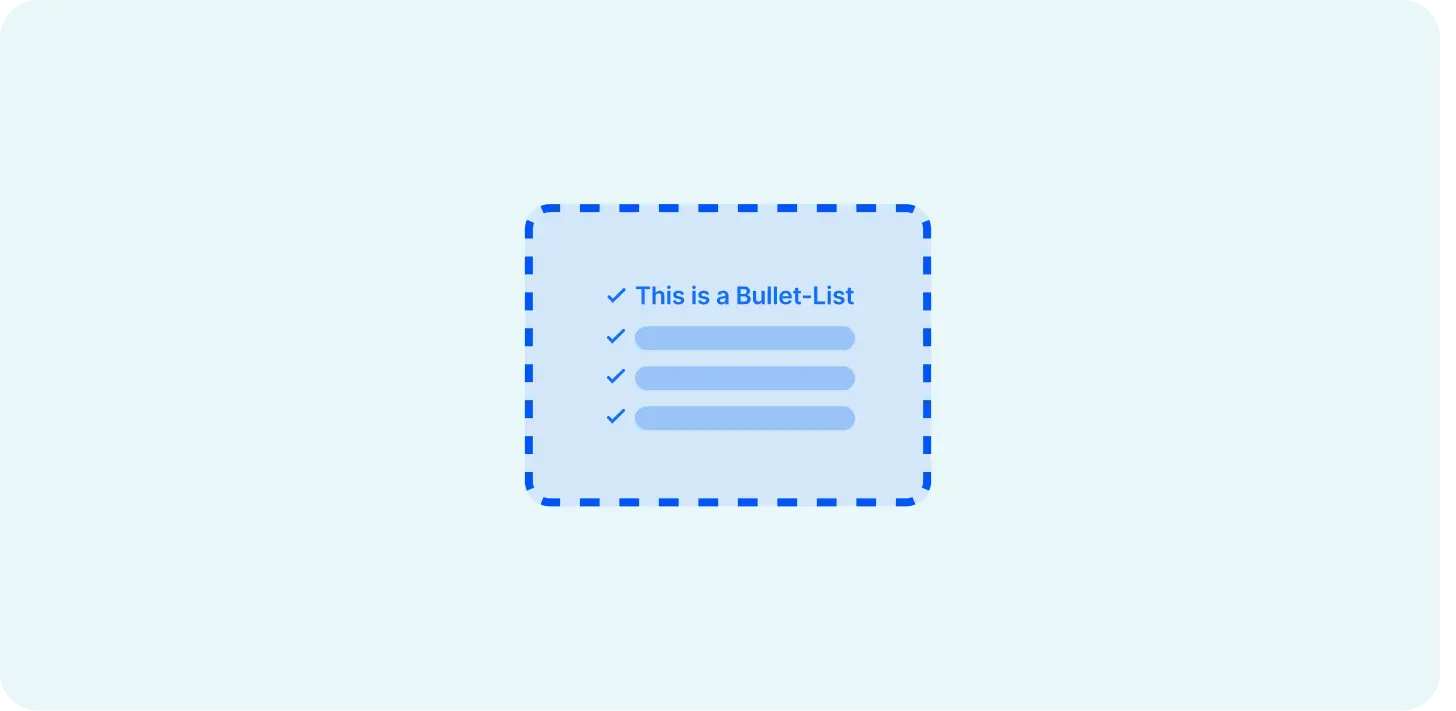

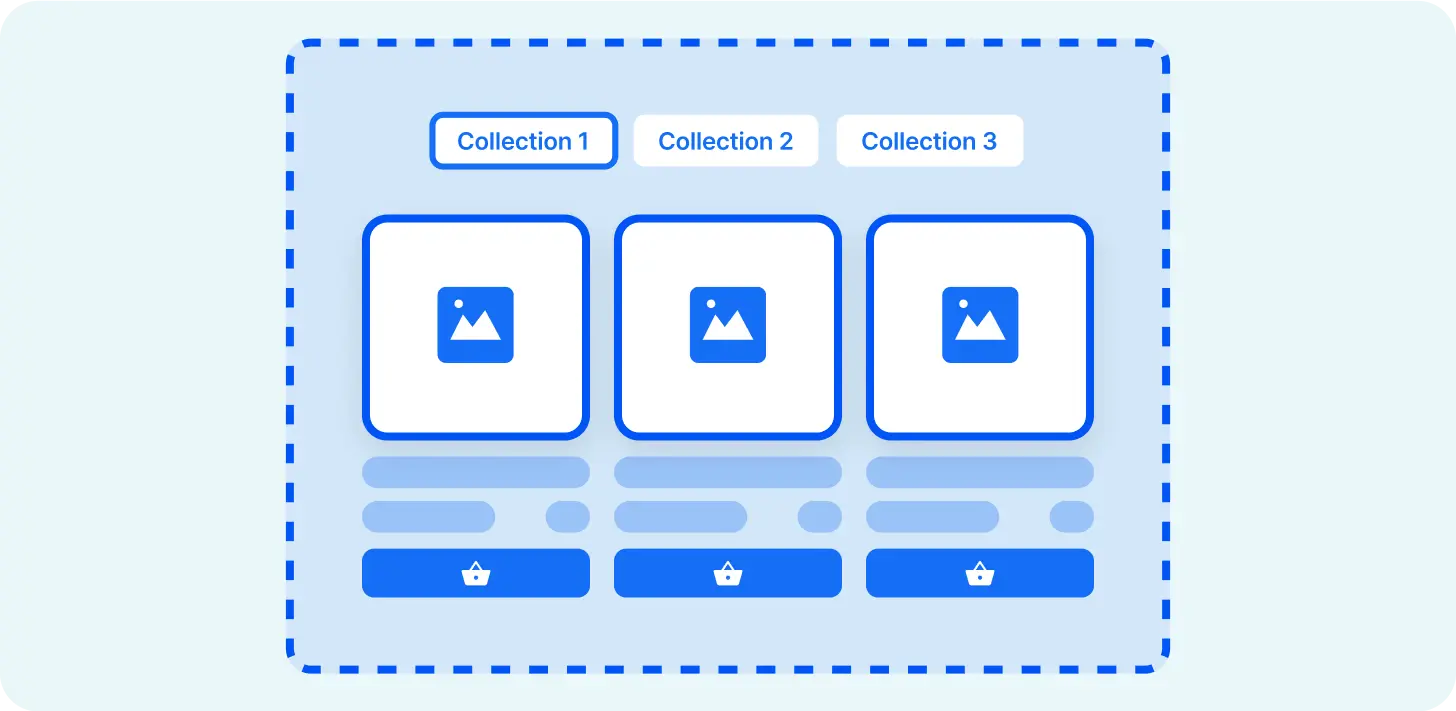
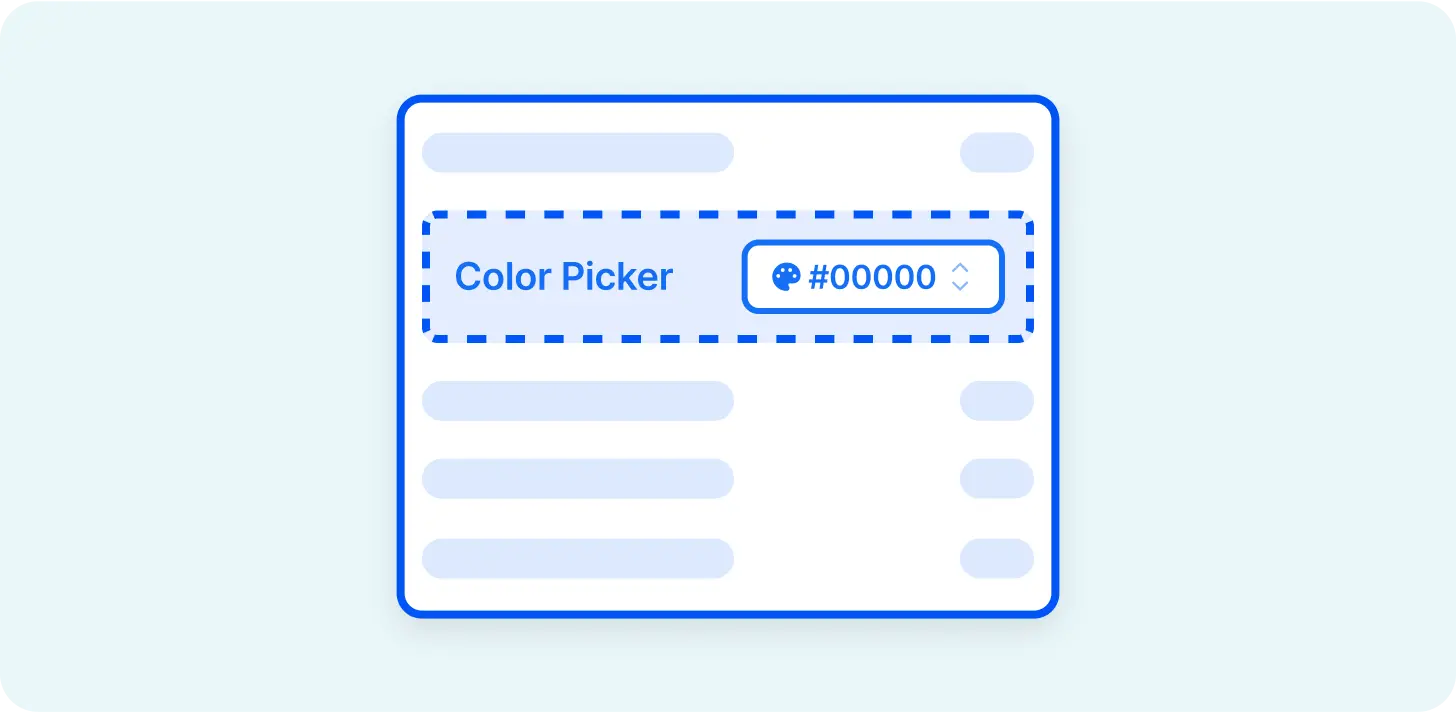












Create a fully working Shopify 2.0 Theme with Webflow. Manage in Shopify, 100% scalable.
Learn about Theme Builder
Create custom sections in Webflow and add them to any theme in your Shopify store.
Easy workflow with 30+ components and streamlined attribute creations.
Install now.webp)