Build theme in Webflow
Create a fully working Shopify 2.0 Theme with Webflow's design Freedom

We built Liquiflow to solve what Smootify couldn't.
Native Shopify Themes, Simple Setup and No Product Syncing Needed!
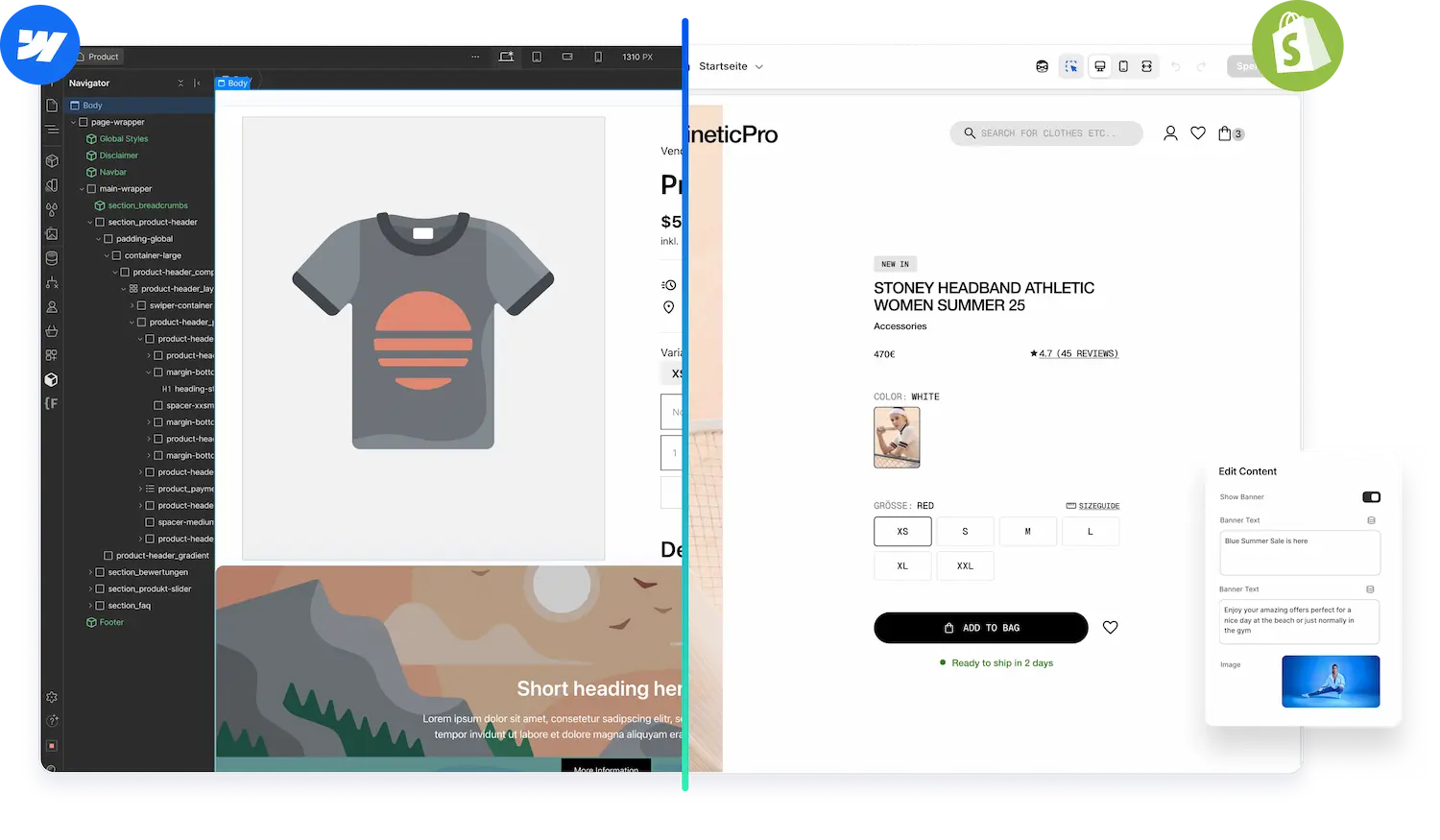


Smootify didn't deliver what Liquiflow Shopify projects needed. Liquiflow clients require native Shopify themes they can edit easily in the Shopify Theme Editor. Liquiflow is Webflow to Shopify, while Smootify is Shopify to Webflow. Smootify can makes sense for a Quick Shopify connection, when everything should stay in Webflow.
Liquiflow clients don't know Webflow, they just want a performant Store, that they can easily edit.
The Headless setup is forcing users to pay for double hosting (Webflow and Shopify) and deal with product syncing, rather than just letting Shopify's native CMS handle the work.
That's why we have built Liquiflow - the simple Smootify alternative. Frontend is built in Webflow, all the content is managed in Shopify. Your client only needs to work in Shopify.
Create a fully working Shopify 2.0 Theme with Webflow's design Freedom
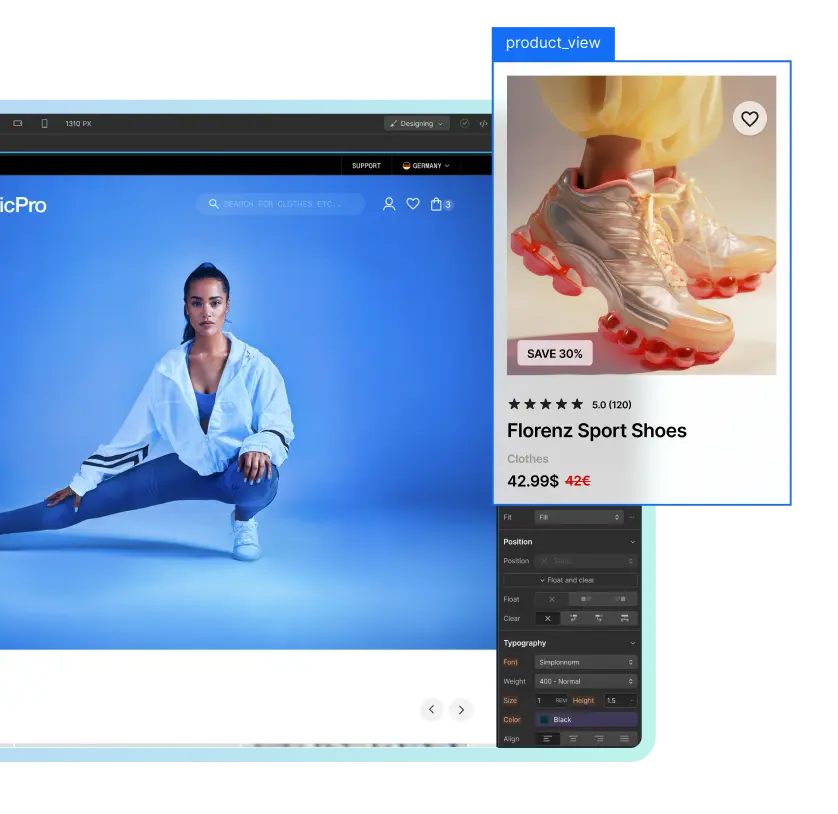
Our 2 way sync offers cross collaborating and editing after publish
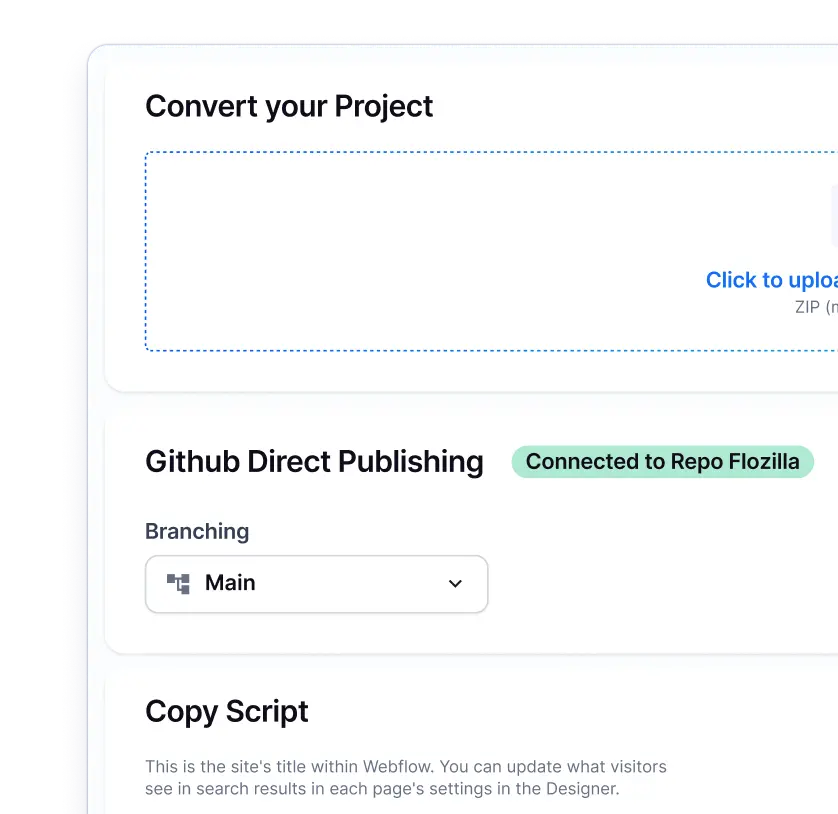
Everything in one place. Pages, Products, Content, Analytics, and Tracking.
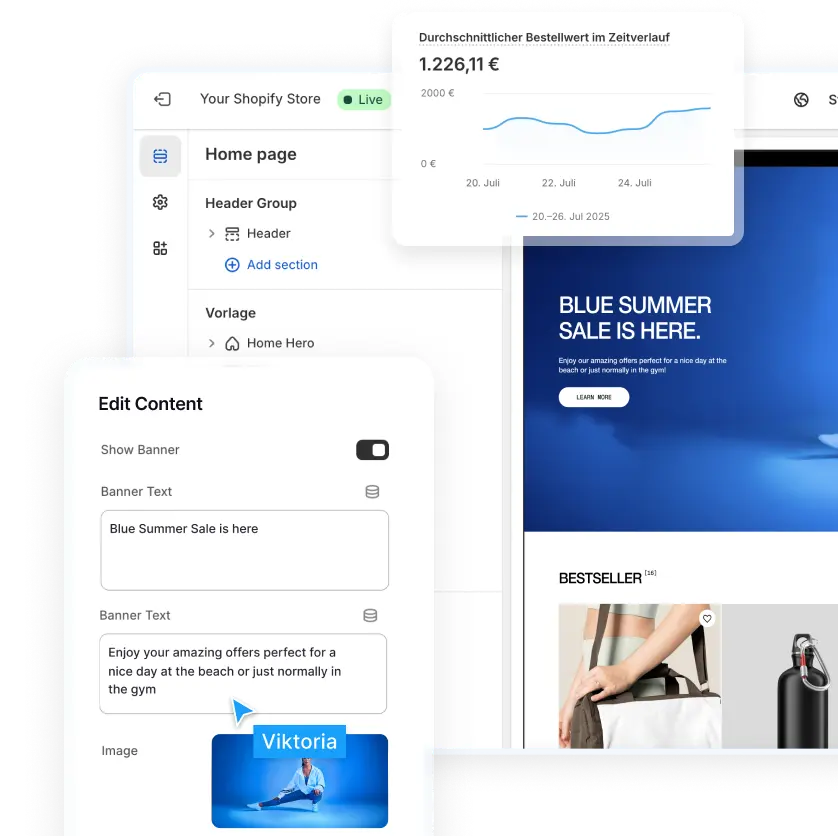
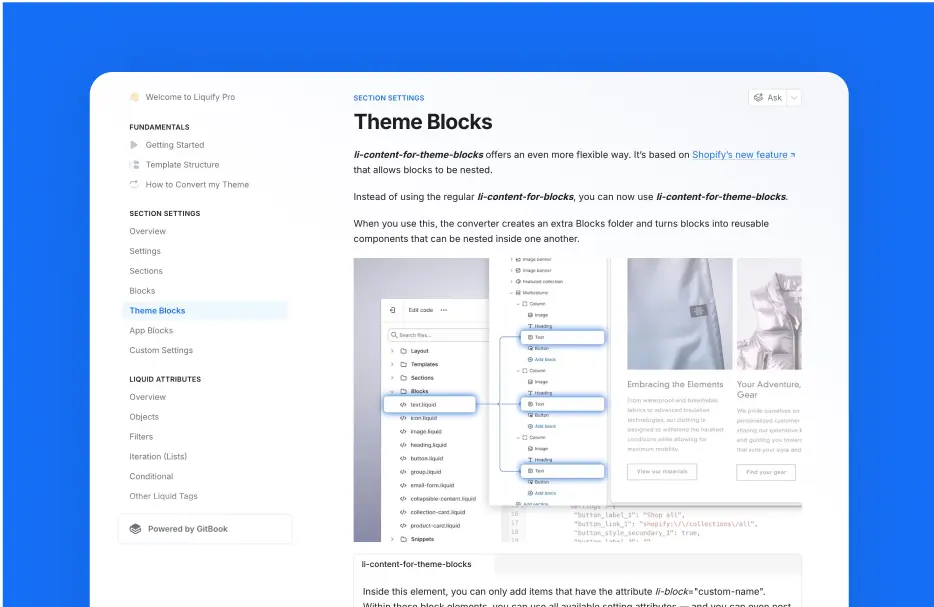
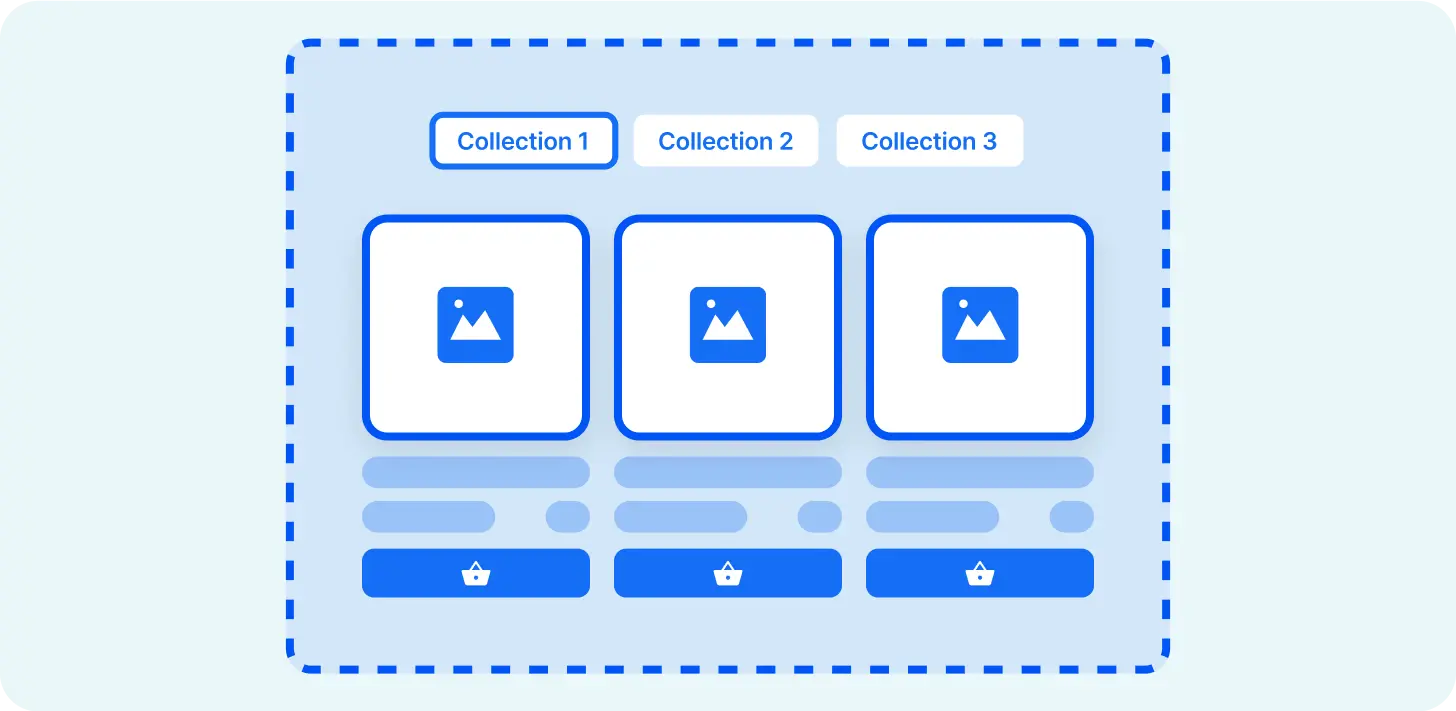
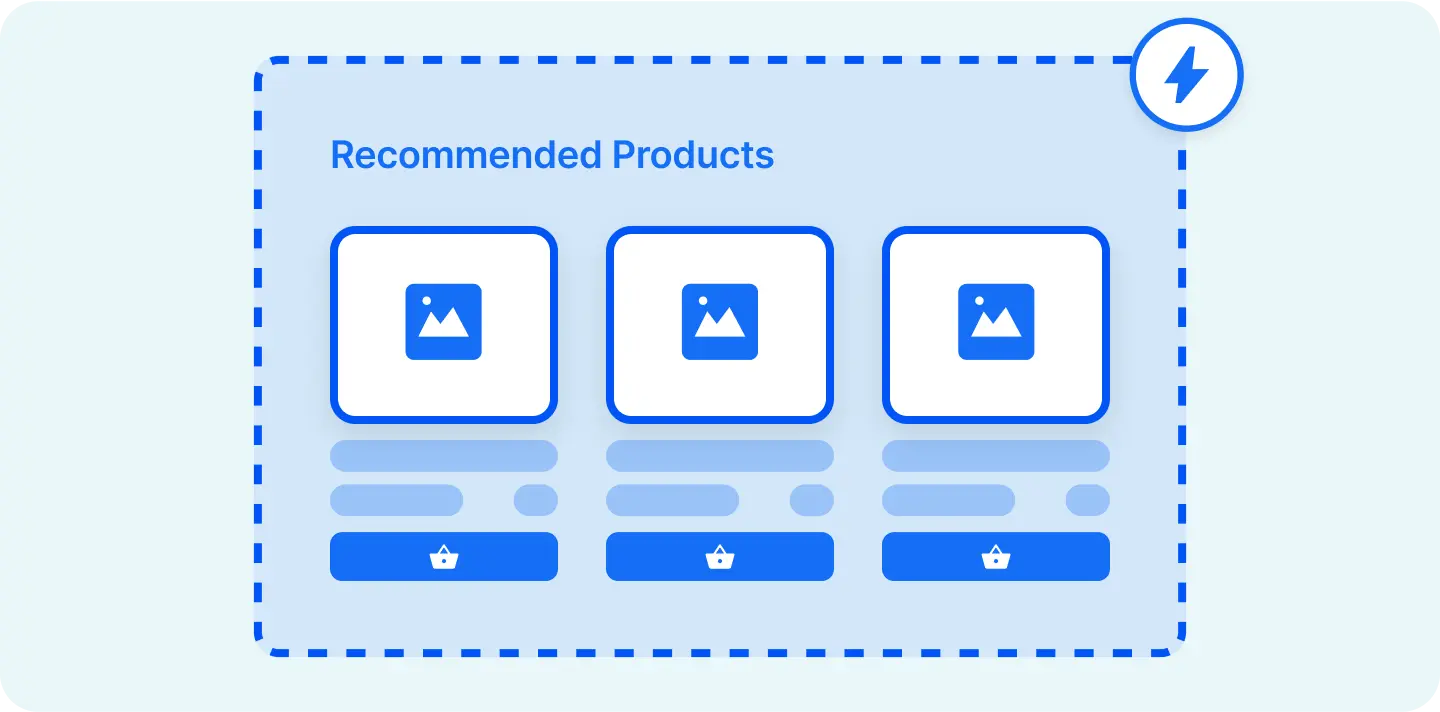
A great feature for creating lists, sliders, or other dynamic elements.
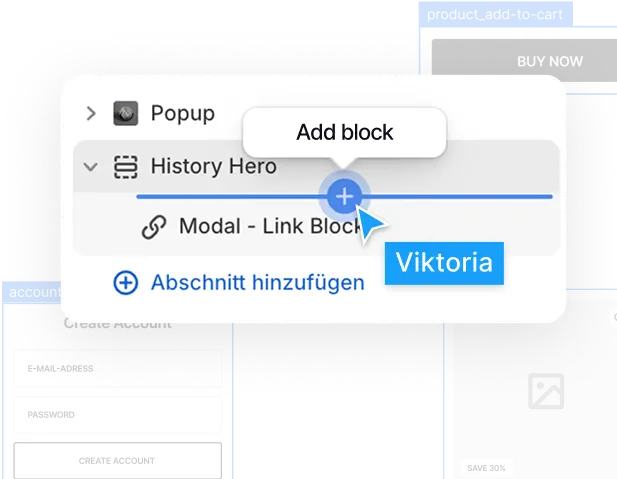
Easily add subscriptions or reviews or any other app.
Our Github integration connects Webflow with Shopify seamlessly.

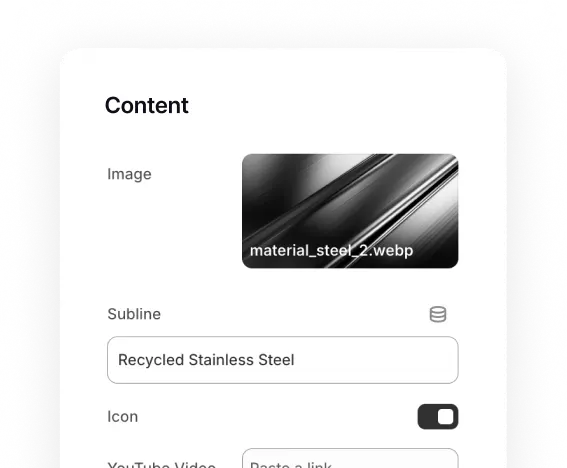
Connect to Shopify's dynamic fields via metaobjects or metafields.
Smootify has its usecase, but if you want a professional, simple setup then Liquiflow is for you.
1. Cost: When using Smootify you need to pay for: Shopify Hosting + Webflow Hosting + the Smootify App every single month.
With Liquiflow: You eliminate Webflow hosting costs entirely. You only use Webflow to design, then export. Your client pays only for Shopify, and you never pay "rent" to keep the code running. All you need in Webflow is an agency plan, but Webflow agencies/freelancer usually have that already. But you never need to pay for Webflow hosting.
2. Simple to use for Clients: The client potentially needs to work in Webflow, Shopify and Smootify, this makes it more complex. Some clients just want to work in Shopify, but to change text and images they need to work in Webflow.
With Liquiflow: We generate a Native Shopify 2.0 Theme. Your client logs into Shopify, clicks "Customize," and edits sections, images, and text exactly like they would on the standard Dawn theme. They get full control, you get zero maintenance requests.
3. Unblock the App Store: Due to the nature of Headless, you can use backend Shopify Apps like Order Printer Pro, but you cant use front-end apps with their native app-embeds like for reviews and so on.
With Liquiflow: Since we export a standard theme, all 8,000+ Shopify Apps work instantly. You can install Yotpo, Recharge, or Klaviyo with one click, and they function perfectly without any custom code.
4. Lock-In: With Smootify: You are renting a connection. If their API has downtime, your store can break. If you cancel your subscription, your storefront might not work anymore.
With Liquiflow: You own the source code. Once you export the theme, it lives on Shopify. You can cancel Liquiflow tomorrow, and your store will stay live, fast, and profitable forever.
This is where Smootify struggles. Because the design lives in Webflow, your client often needs to log into Webflow to make visual changes, which requires them to learn a complex tool. With Liquiflow, you hand over a Native Shopify Theme. Your client can simply log into Shopify, click "Customize," and edit text, images, and sections using the easy, familiar interface they already expect.
With Smootify, yes, you are often required to sync data between Shopify and the Webflow CMS to ensure prices and images match. Liquiflow themes read directly from your live Shopify database in real-time. If you change a price or image in Shopify, it updates instantly on your storefront with zero syncing required.
It is complicated. While Smootify can connect to Shopify Markets, headless setups often struggle with content localization. For example, if you want to translate your homepage text for a German market, you often can't do it natively because the content lives in Webflow, not Shopify.
Liquiflow generates a standard theme that fully supports Shopify's native translation APIs out of the box, making international SEO seamless.
Transitioning is straightforward. Copy the existing sections into the Liquiflow starter theme. Remove the Smootify attributes and replace them with Liquiflow attributes. Convert and load the theme into Shopify. Put in your content in Shopify.




Liquiflow is exactly what I’ve been needing for years. A clear, limitless way to build bespoke shopify sites with webflow. Beats building with headless or using annoying converter apps that don’t work. Bit of a learning curve, but well worth it and very enjoyable

I'm not a big agency, just a freelancer looking for efficient solutions. Liquiflow proved to be exactly what I needed - a simple, powerful way to export Webflow sites to Shopify theme.
I've been using it for a few months now, I was able to handle two projects for a very satisfying clients, one with over 200 products catalog without any headaches. Their tool made what could have been a complex process incredibly straightforward ! Highly recommend ! [...]

Just stumbled upon this gem and wow - what a game-changer for Shopify store builders! 🎯
As someone who loves Webflow's design flexibility but needs Shopify's e-commerce power, this is exactly what I've been waiting for. The Github workflow integration is chef's kiss - finally bringing proper version control to Shopify theme development!

If you want to migrate your Smootify Theme to a Liquiflow theme, the process is very straightforward. You clone our starter theme and paste the sections into the new Webflow project. Remove the Smootify attributes and replace them with Liquiflow attributes. Convert the theme and bring it into Shopify. Add your content again - done.
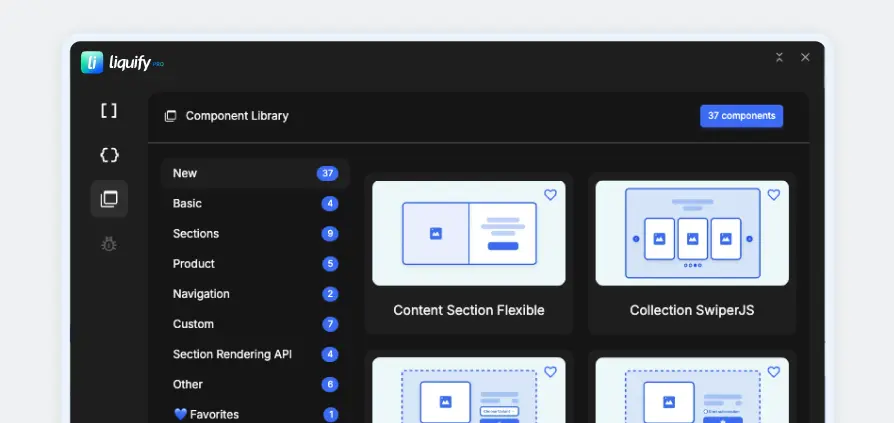
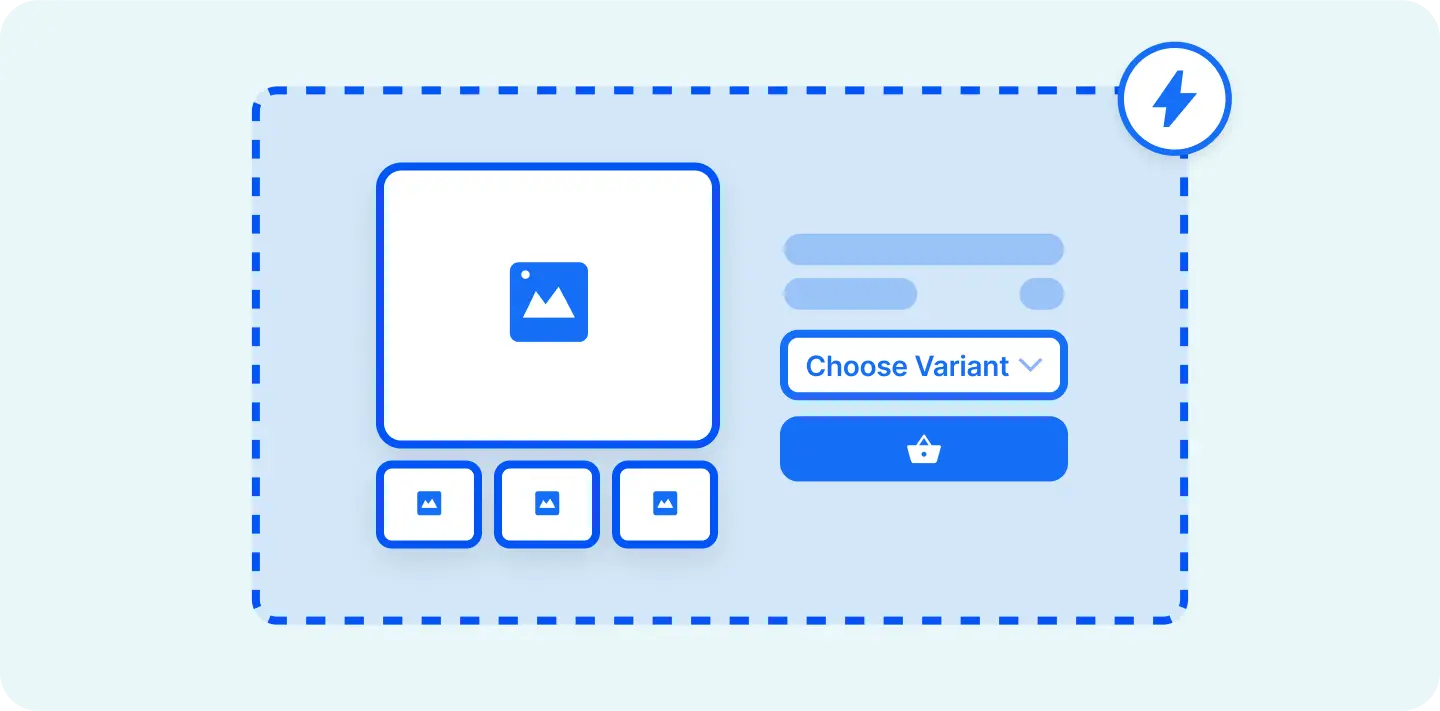
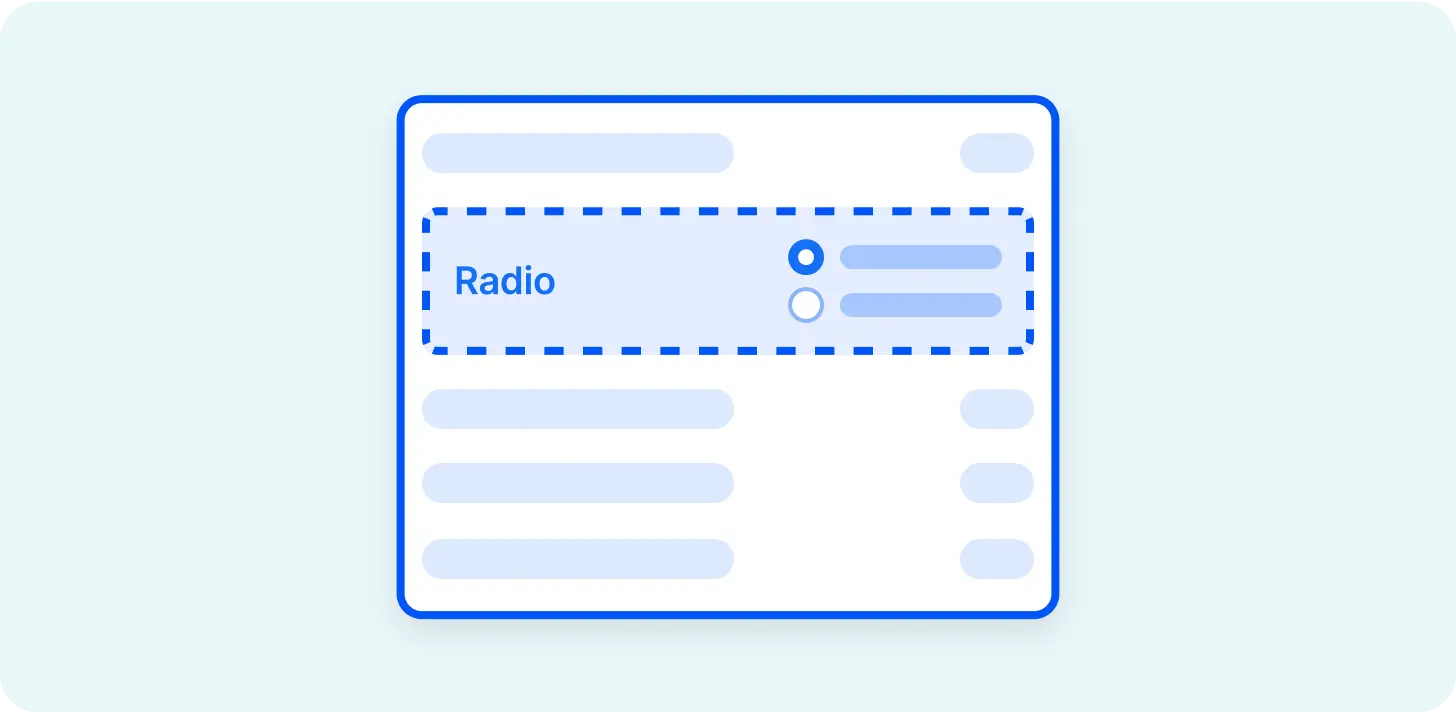
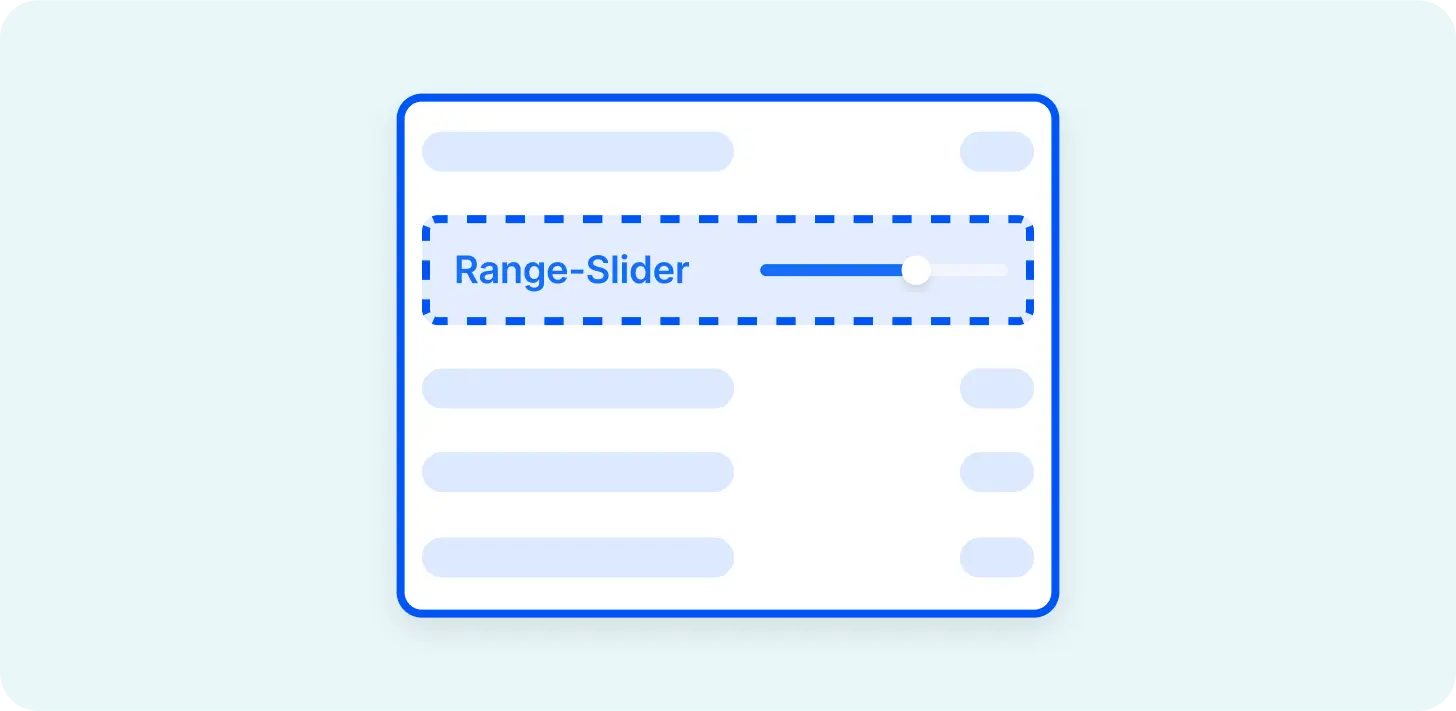
Access components inside of Webflow and apply them in the Starter Theme.



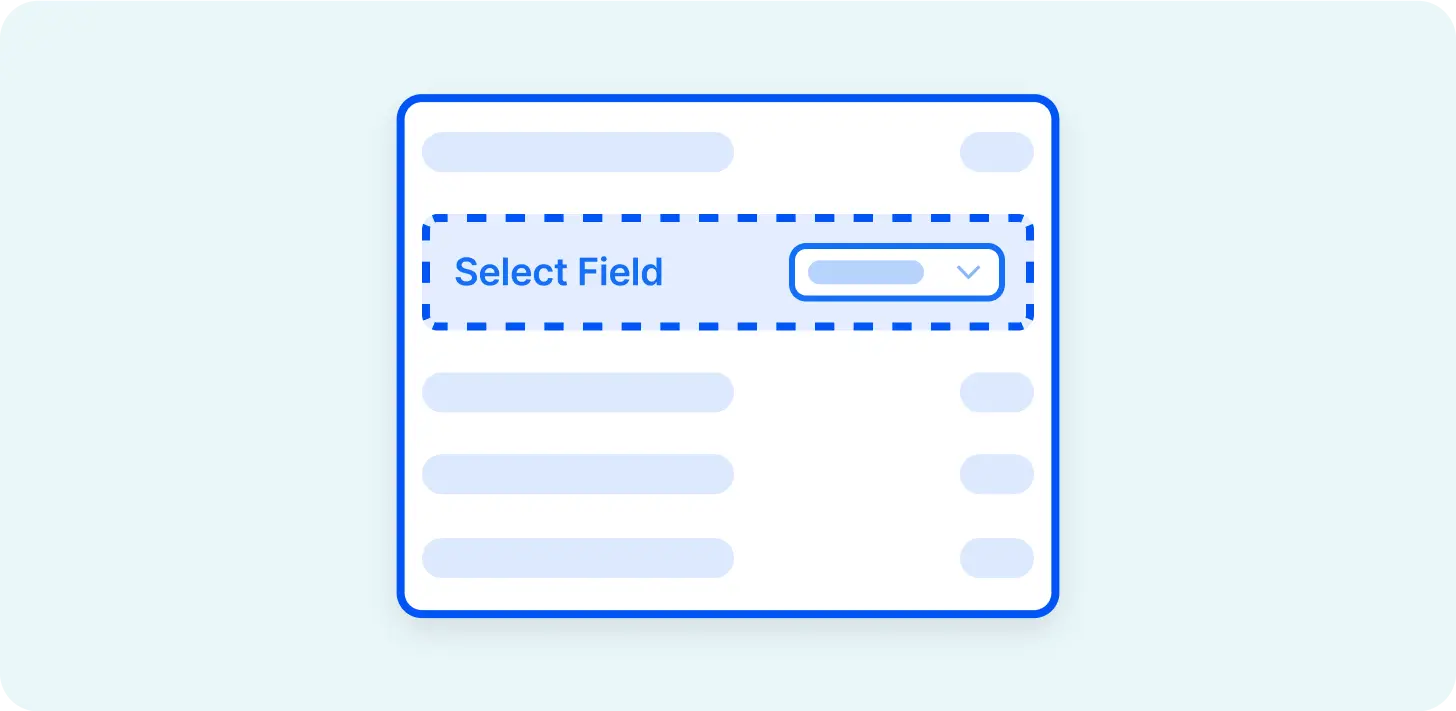




Create a fully working Shopify 2.0 Theme with Webflow. Manage in Shopify, 100% scalable.
Learn about Theme Builder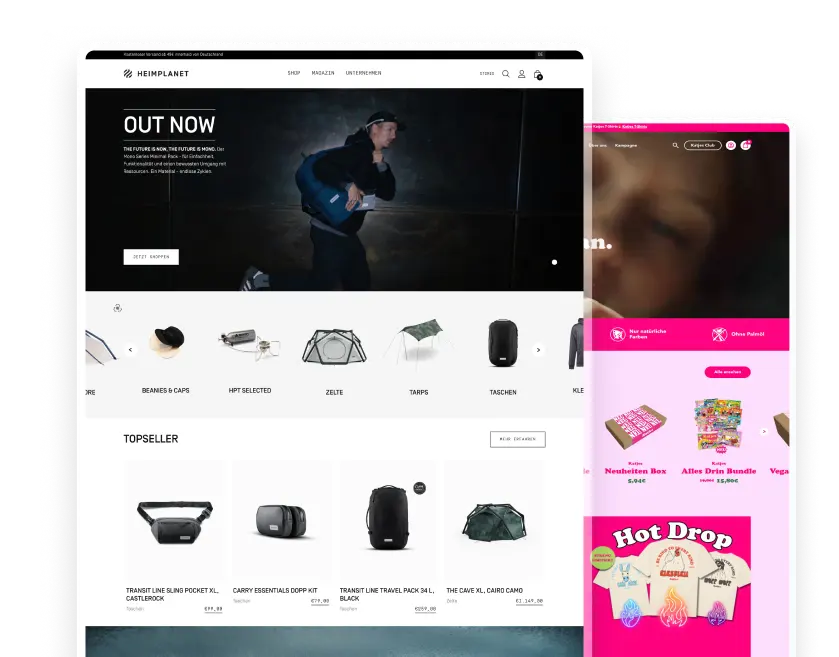
Create custom sections in Webflow and add them to any theme in your Shopify store.
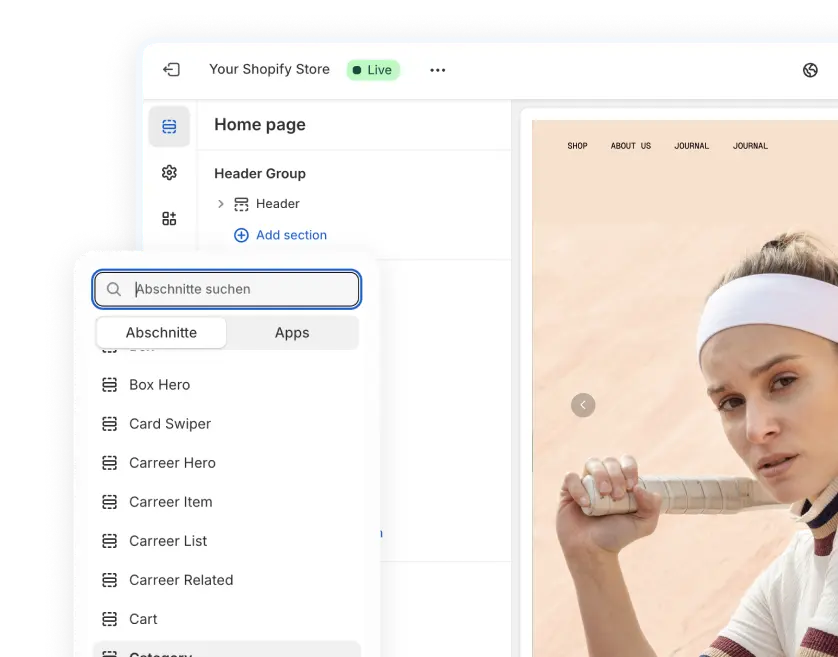
Easy workflow with 30+ components and streamlined attribute creations.
Install now.webp)